support01@wimius.com
EN
16
4.Connecting with Fire TV Stick
5.Connecting with XBOX/PS4
•Plug the TV stick into the HDMI port of the projector.
•Choose the media signal channel :“HDMI”.
•Choose the media signal channel :“HDMI”.
•Use HDMI cable to connect to XBOX/PS4.
App Download
Click "APPS" on the home page and select "App Store" on the page.
1. Select your favourite app to download on the App Store homepage.
2. Search for the app you want to download in the search bar.
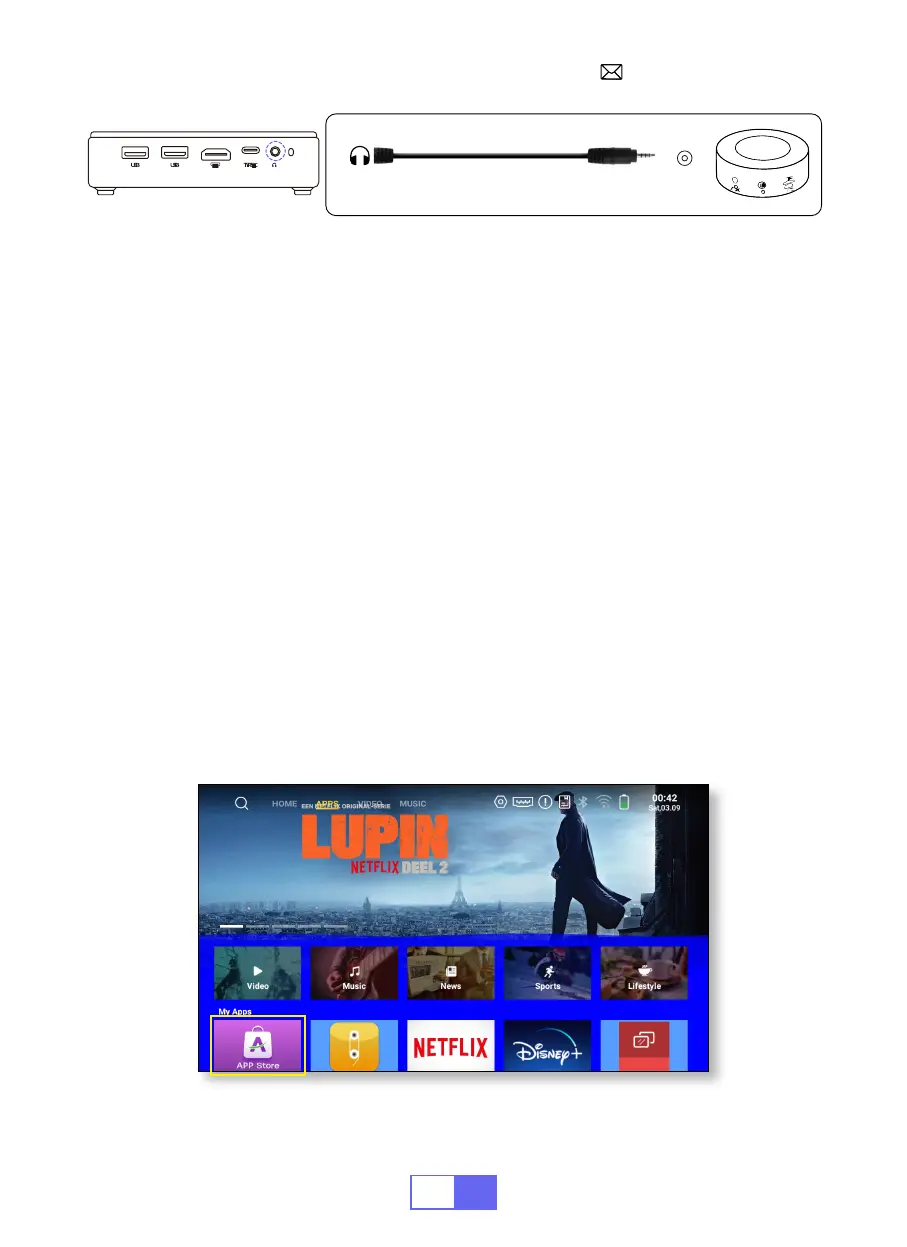
Audio
out
AUX
port


 To Next Page