EN
7
support01@wimius.com
IMAGE ADJUSTMENT
1.Focus Adjustment
2.Projection Mode
Auto Keystone Correction
3.Auto Keystone Correction
Slide pinion on the left of the device to adjust sharpness.
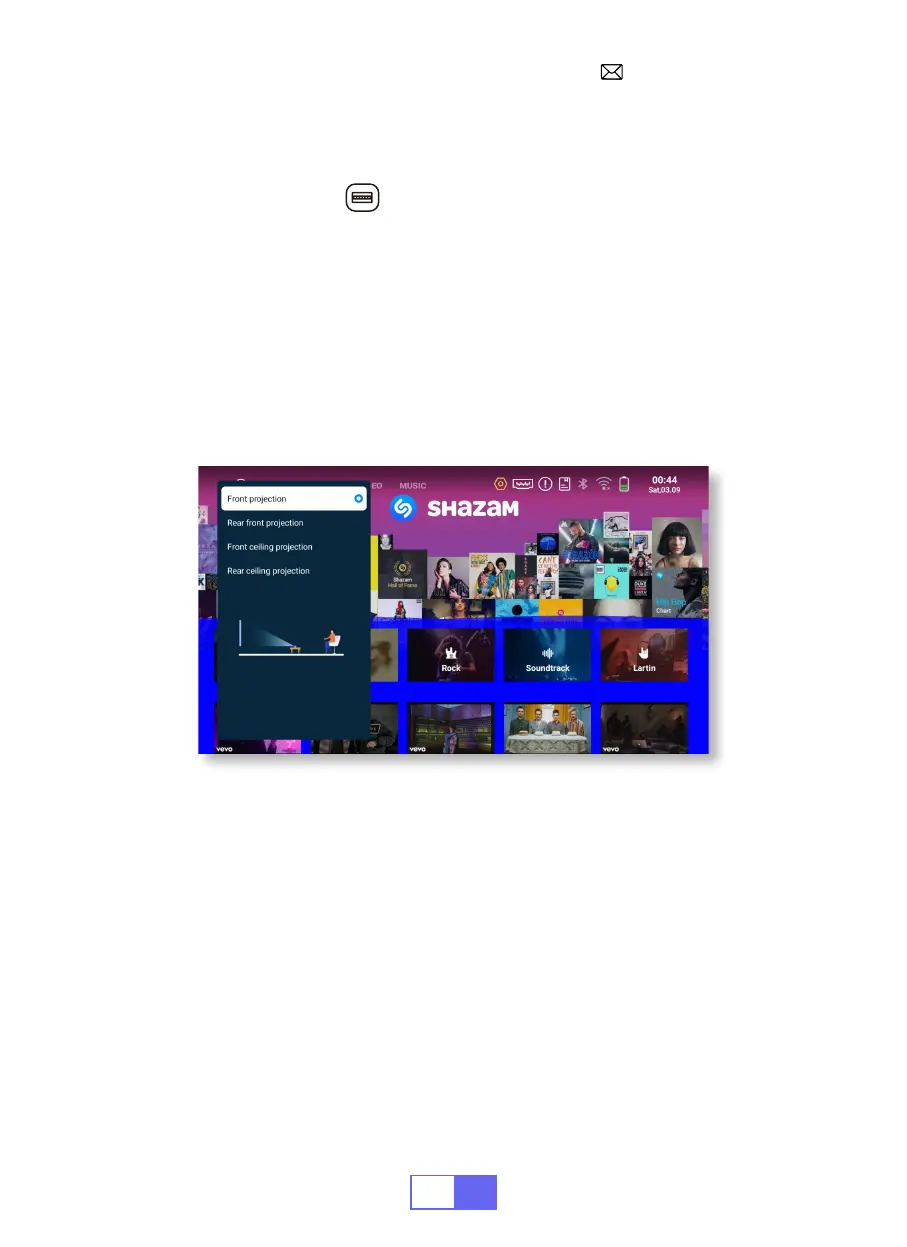
Select [Settings]menu --Select [Display]--Select [Projection Mode], Press
the projection position you need and press "OK" to conrm.
There are 4 modes: Front projection/Rear front projection/Front ceiling
projection/Rear ceiling projection.
Select[Settings]menu --Select [Display]--Select [Auto Keystone
Correction], and press "OK" to conrm.
The projector can auto-adjust the vertical plane to get the rectangle
image. The tilted angle doesn't exceed ±30°.


 To Next Page