support01@wimius.com
EN
14
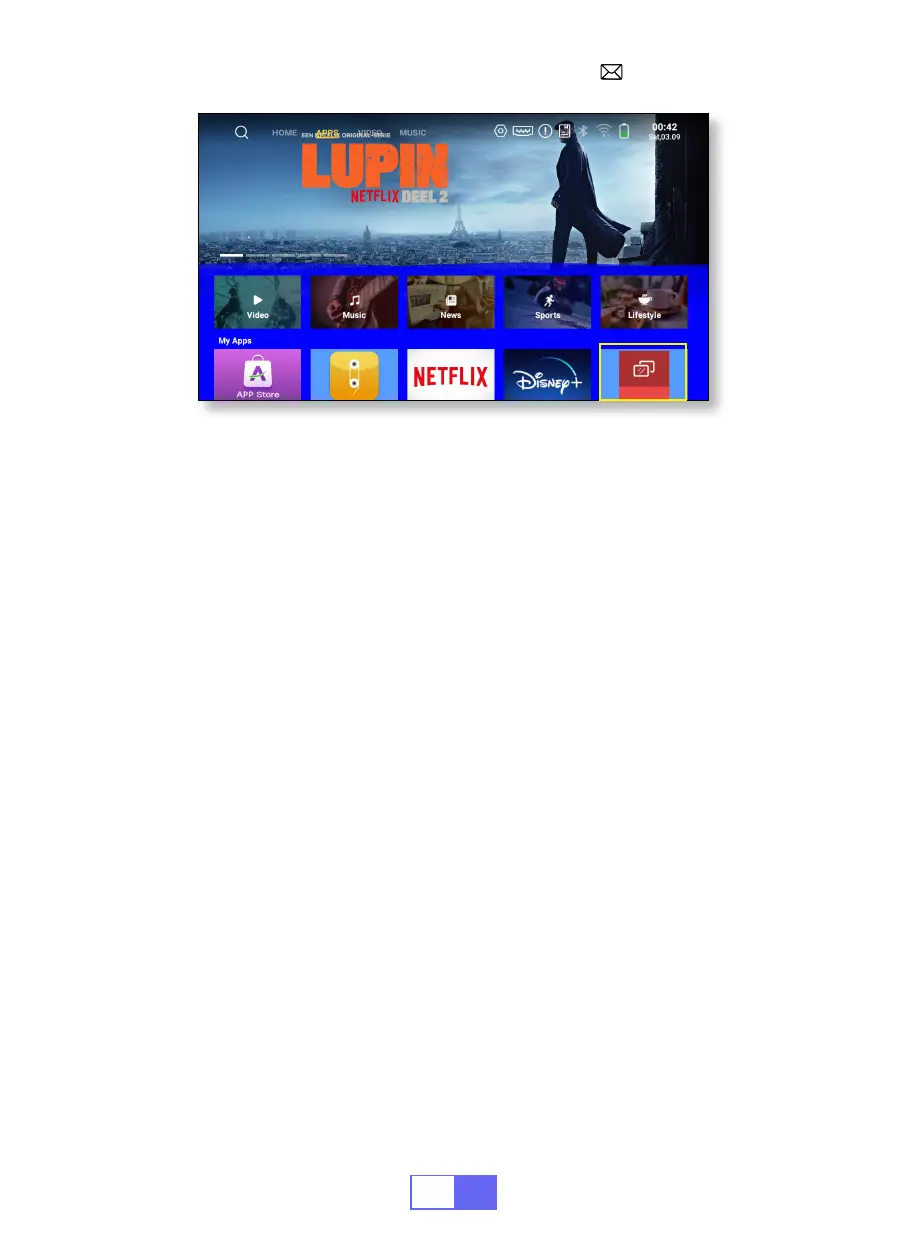
3.Eshare
Use your phone as the wireless mouse, keyboard, and remote control, and
transform the way you control and engage with large-screen devices.
1. Connect your device to Home WiFi.
2. Use a browser to access "https://h.eshare.app" to download and install
the app.
3.Open the Eshare app and click"Q3-7817" to connect.
BLUETOOTH SETTINGS
Connect Bluetooth Speakers
1.Turn on your Bluetooth Speaker.
2.Select [Settings] -- [Bluetooth ] to turn on the projector's Bluetooth
3.Select your Bluetooth speaker to connect.
4.Succeed.


 To Next Page