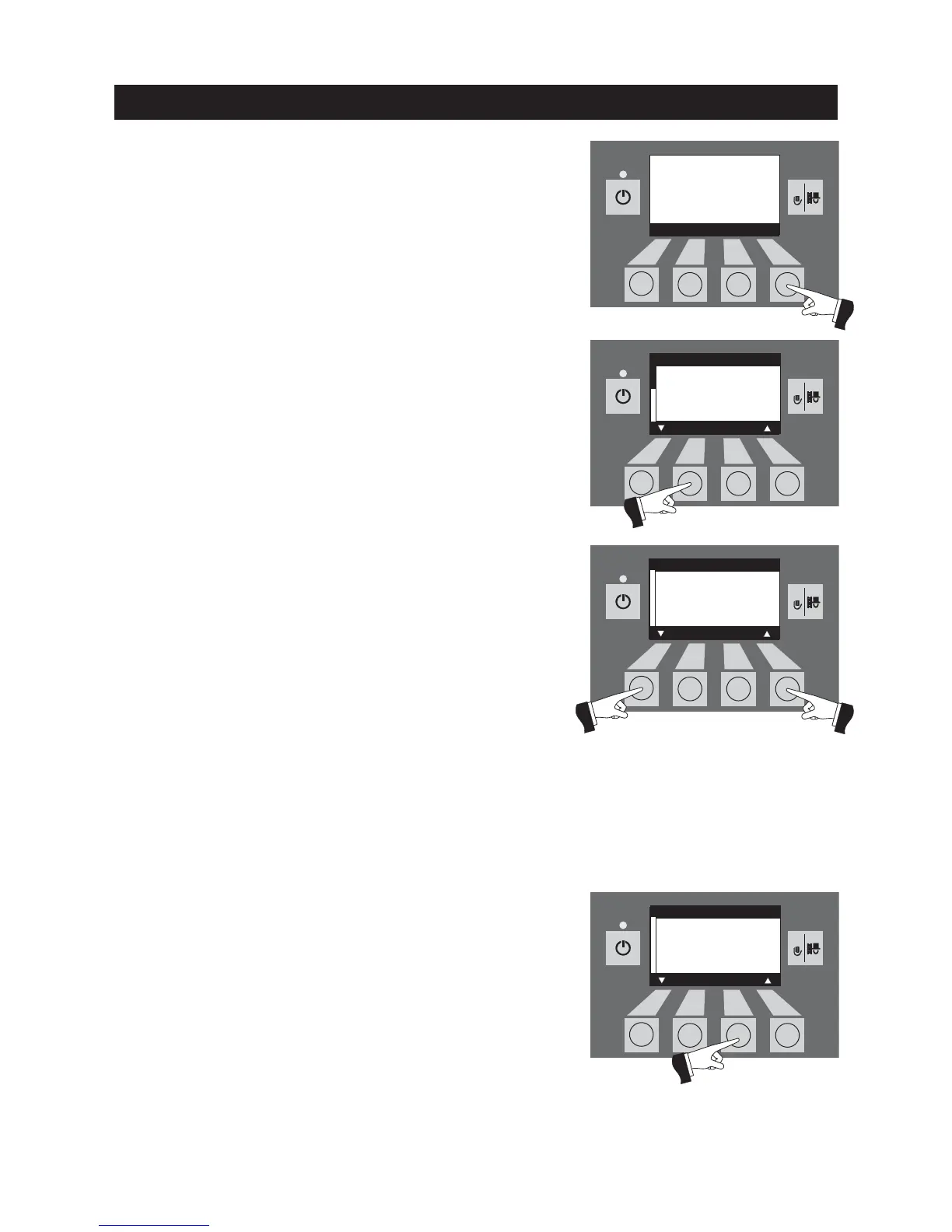
Fig. 49
Fig. 50
The menu item or sub-menu item is exited by pressing the
Back
button (Fig. 52) or after a delay of 45 seconds.
2.10.1 Operator level
Pressing the
Menu
button changes to the „Operator level“ and
„Service level“ – Fig. 49.
Fig. 51
Operation
Use the
arrow
buttons to select „Operator level“ and confirm with
the
Choose
button – Fig. 50.
On the operator level, use the
arrow
buttons to select the requi-
red sub-menu (Fig. 51) and confirm with the
Choose
button.
Adjusting the:
Boiler cleaning: 2.10.1.1
Time: see section 2.10.1.2.
Feed operating mode: see section 2.10.1.3.
Time profile feed: see section 2.10.1.4.
Probe switching: see section 2.10.1.5.
Time profile ash compression: see section 2.10.1.6
Fig. 52
Note:
The menu items „Feed operating mode“, „Time profile feed“
and „Probe switching“ are only shown with a VarioWIN - VAE 120 P
with pneumatic feed (suction system) when service level is activa-
ted.
Boiler cleaning
Time
Feed operating mode
Time profile feed
Probe switching
Time profile ash comp.
Choose Back
Boiler temperature
(Operating phases)
Info Menu
42
°C
Operator level
Service level
Choose Back
Boiler cleaning
Time
Feed operating mode
Time profile feed
Probe switching
Time profile ash comp.
Choose Back



 To Next Page