MANUAL & AIR QUALITY INDICATOR
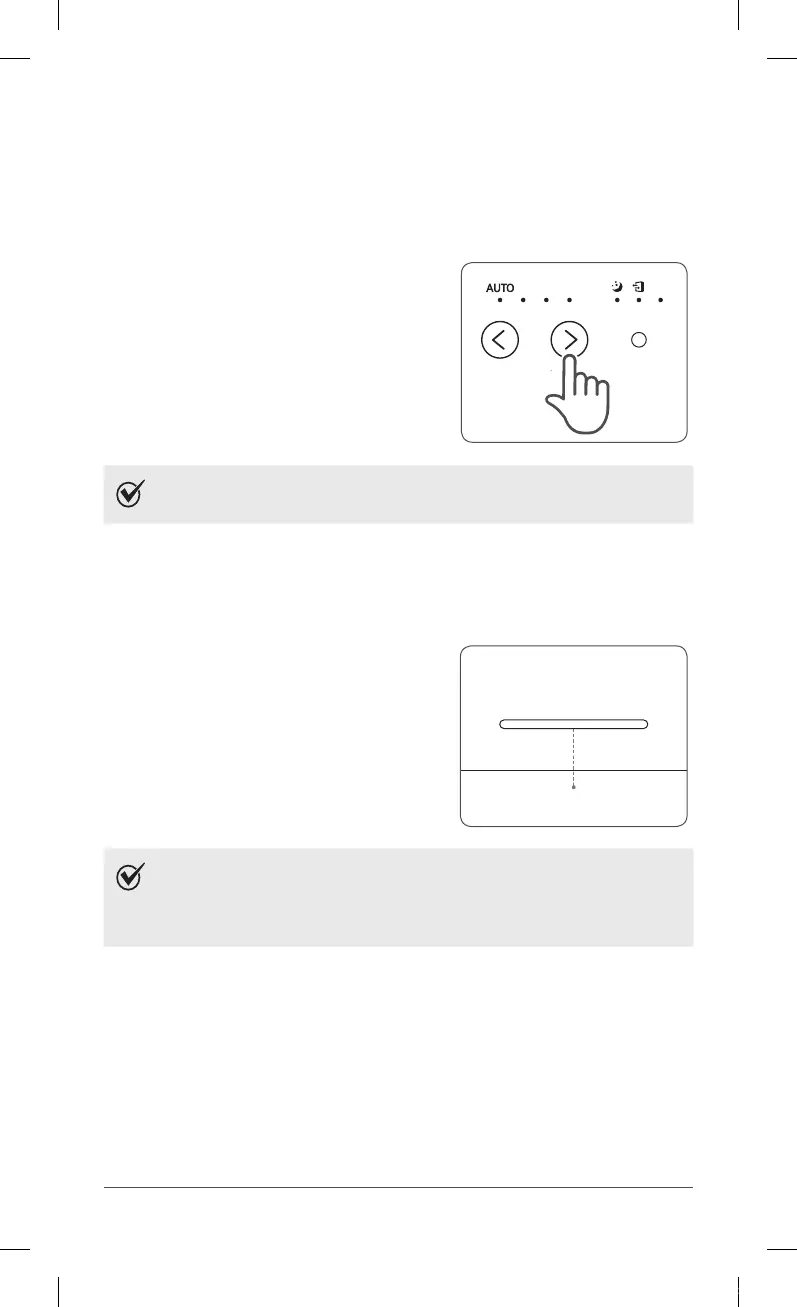
3. Manual Mode (setting fan speed)
Users can optative to manually set the fan speed to Low, Medium, High.
①
Press the Fan Speed button to set the
desired fan speed.
NOTE
ˍ
When Manual Mode is selected, Auto Mode is automatically
disabled.
4. Air Quality Indicator
When on, the LED light will indicate the current indoor air quality according to three
levels : BLUE (good), AMBER (fair), RED (poor).
NOTE
ˍ
Air quality level is displayed on the indicator, based on the
Particle Sensors. Depending on the immediate environment,
the indicator may change frequently in color or stay the
same for lengthy periods of time.
ZERO-N.indb 13 2018-04-26 오후 5:38:55



 To Next Page