blueCompact Manage locking system 07/2021 V 01
Select key
Select key
Tip
Key groups give you a better oversight of
key management. Key groups can be used
to organise keys for specific groups such as
family or company employees.
A higher-level locking rights allocation is not
possible with these key groups.
Active keys are displayed with the
corresponding symbol.
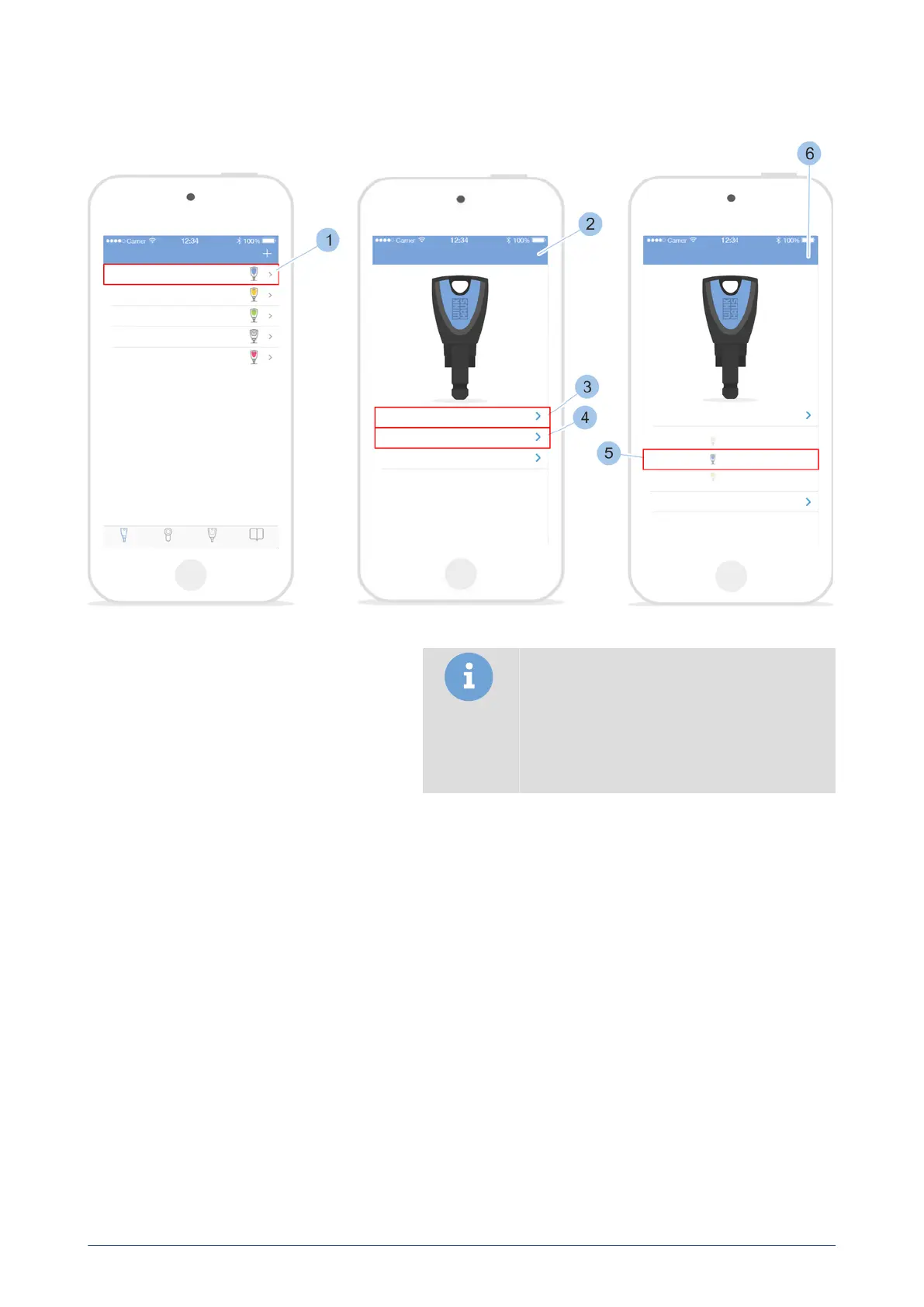
1. Select key (1).
ü
The key details are displayed (2).
2. Touch the key (3) name.
3. Change key name.
4. Touch the colour of the key (4).
5. Select the colour of the key (5).
6. Confirm information.
Prerequisites:
•
User is in the Key menu.
blueCompact electronic locking system
65



 To Next Page