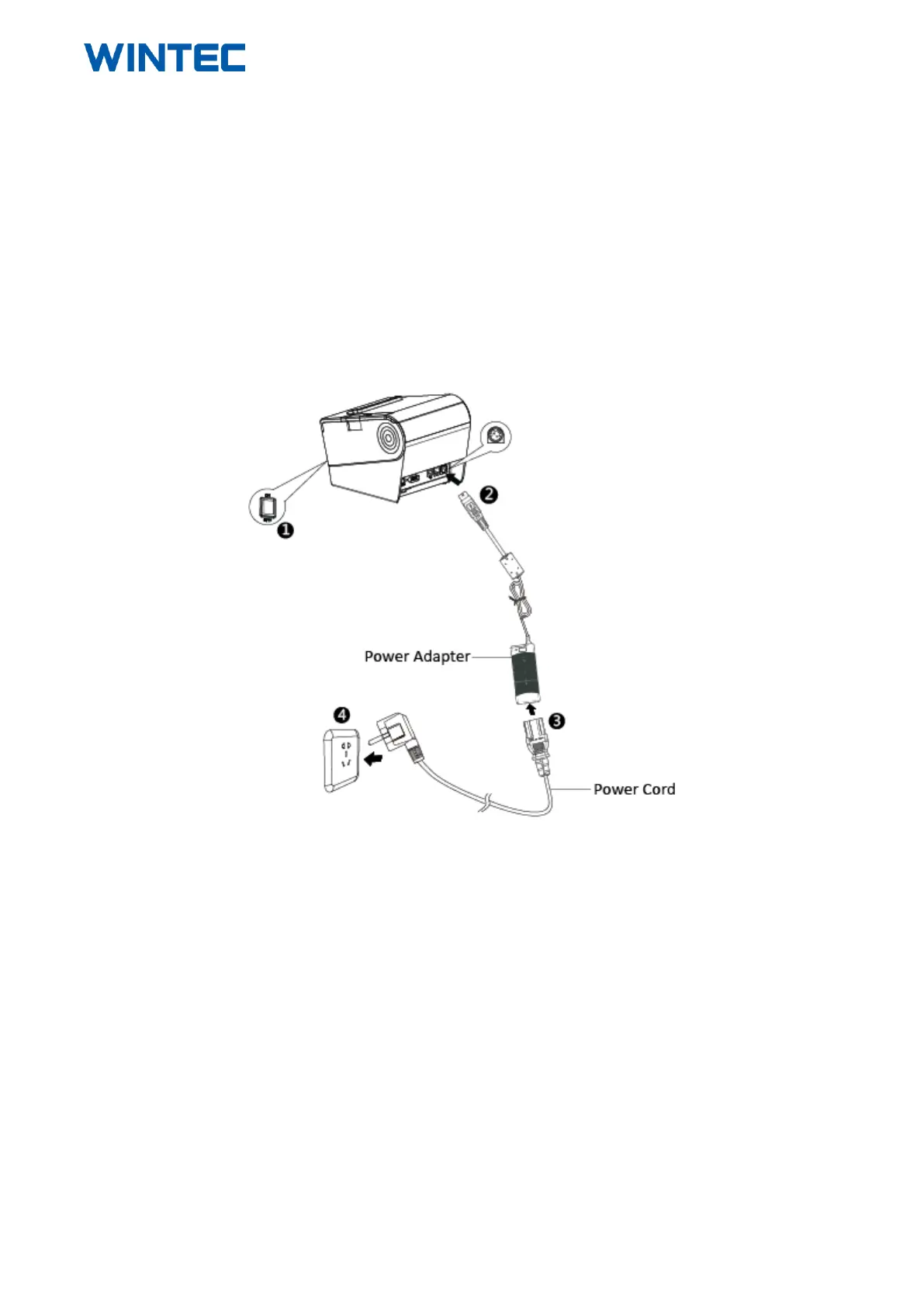
4.3 Connect the Printer Power Adapter
1) Make sure the printer's power switch is turned off.
2) Put the cable plug of power adapter facing up at flat side, insert the rear of the printer power connector.
3) Pay attention about disconnecting or connect the AC adapter at right method, or likely to cause damage.
►The plug of power adapter is designed in a switch type, when accessing power adapter and uttered the voice
"click", it means the connected socket switch is locked the adapter connect well, otherwise please connect again.
►When pull out the adapter, please pinch the shell of power adapter and pull the switch up, when the switch is
fully opened then pull out the power adapter.



 To Next Page