
 Need help?
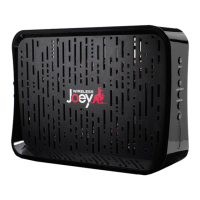
Do you have a question about the Wireless Joey Dish and is the answer not in the manual?
Press SELECT on the Wireless Joey to begin the connection process with the Access Point.
Use WPS on the Wireless Joey Access Point and receiver to establish a connection.
Troubleshoot connection issues by repositioning devices or checking interference.
Improve signal by moving devices closer or using a Hopper Internet Connector.
Verify linking, reset receiver, reposition devices, or power cycle equipment.
 General
| Connectivity Technology | Wireless |
|---|---|
| Wireless Standard | 802.11ac |
| Type | Wireless Access Point |
| Maximum Range | Up to 100 feet |
| Frequency Band | 5 GHz |
| Compatibility | Hopper |
| Power Source | Power adapter |

 To Next Page