13
Troubleshooting | Receiver Issues
Wireless Joey Receiver
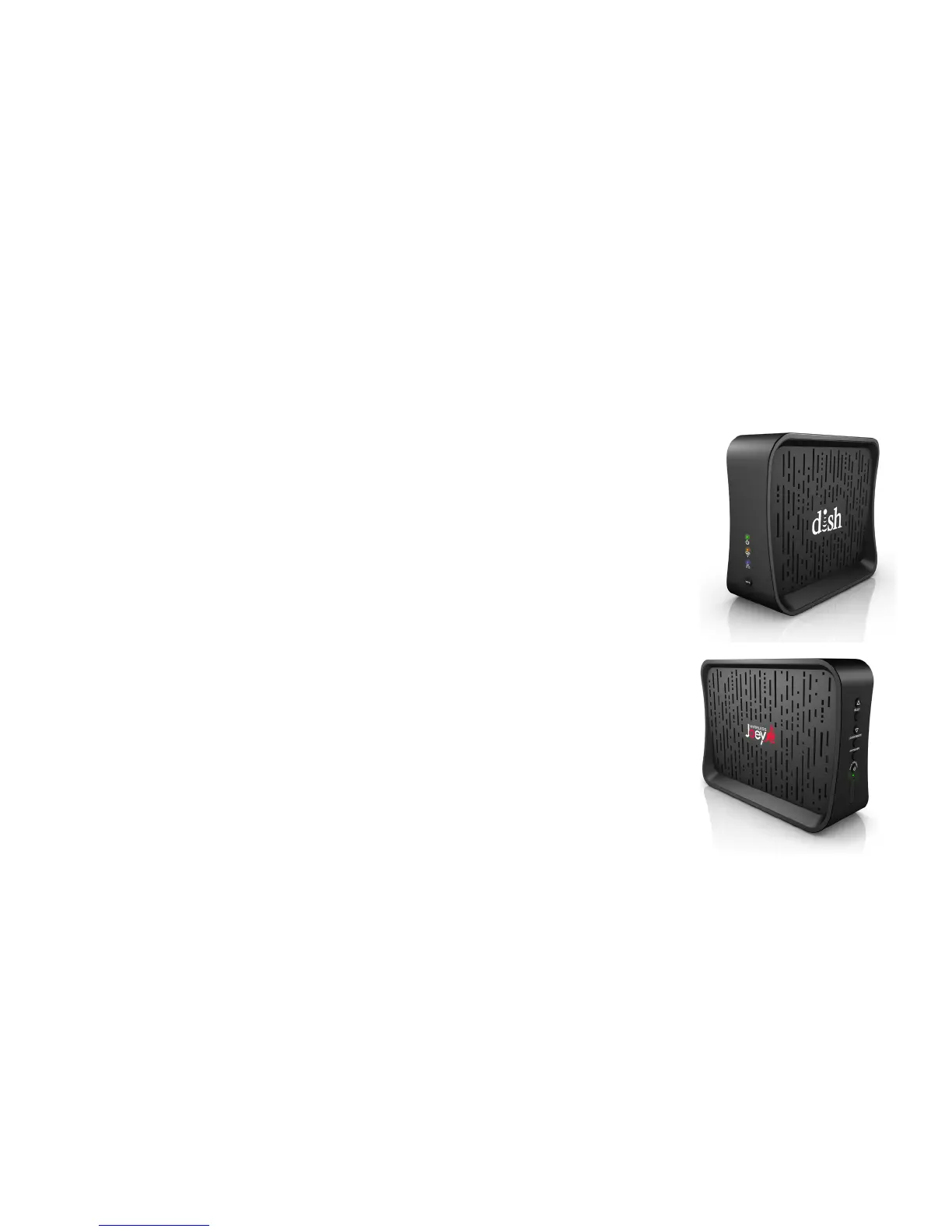
The Wireless Joey Access Point Does Not Turn On
If the green power LED on the Wireless Joey Access Point does not light up after plugging
in the device to power, verify that there is power from the electrical outlet.
Cannot Connect the Wireless Joey Receiver and Wireless Joey
Access Point
IftheWirelessJoeyAccessPointdoesnotndtheWirelessJoeyreceiverwhilebothare
in WPS Mode, proceed as follows until the two devices connect:
• Put both devices into WPS Mode and try again. WPS mode times out after two minutes.
• Move the devices closer together, doing your best to position them into a line of sight
until the Wi-Fi signal is strong (a green reading). After repositioning the devices, put both
into WPS Mode to see if they connect.
• Ensure that another device is not also in WPS Mode, which can interfere with WPS
Mode between the Wireless Joey receiver and Wireless Joey Access Point.
• Disconnect the end of the Ethernet cable from the Wireless Joey Access Point and
connect it to the Wireless Joey receiver until the software download completes on the
Wireless Joey receiver. Then reconnect the Ethernet cable to the Wireless Joey
Access Point.
Wireless Joey
Wireless Joey Access Point


 To Next Page