EN-10
Withings Move
v1.0 | January, 2019
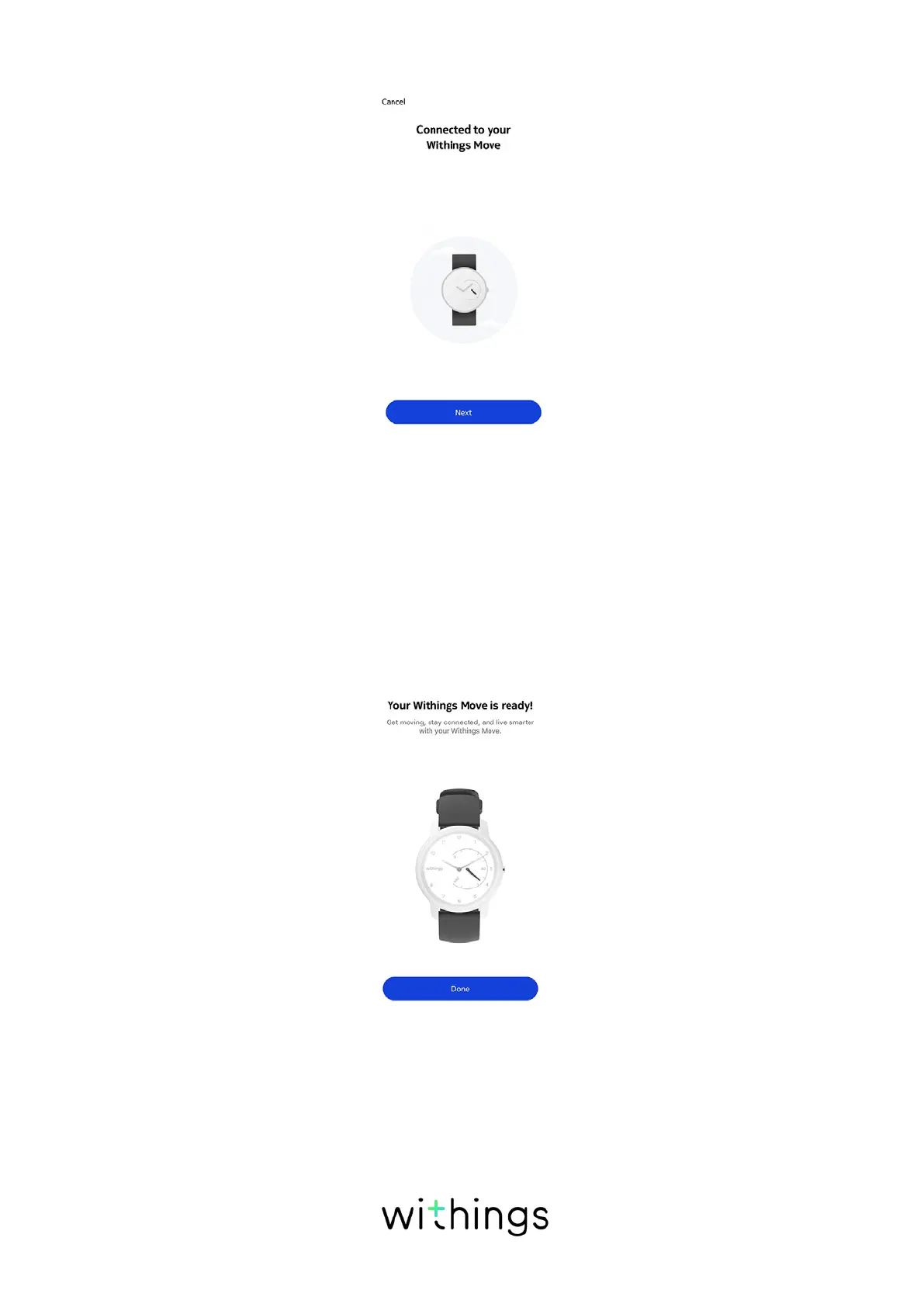
11. Tap Next.
12. Enter your email address, password, and then confirm your password. Tap
Next.
13. Enter your first name, surname (last name) and birthday. Tap Next.
14. Select your gender and enter your current height and weight. Tap Create.
15. Please wait a few seconds during the initialization of the watch hands and the
update of your Withings Move.
16. Tap Done.
17. Please wait a few seconds during the automatic time configuration.














 To Next Page