EN-45
Withings Move
v1.0 | January, 2019
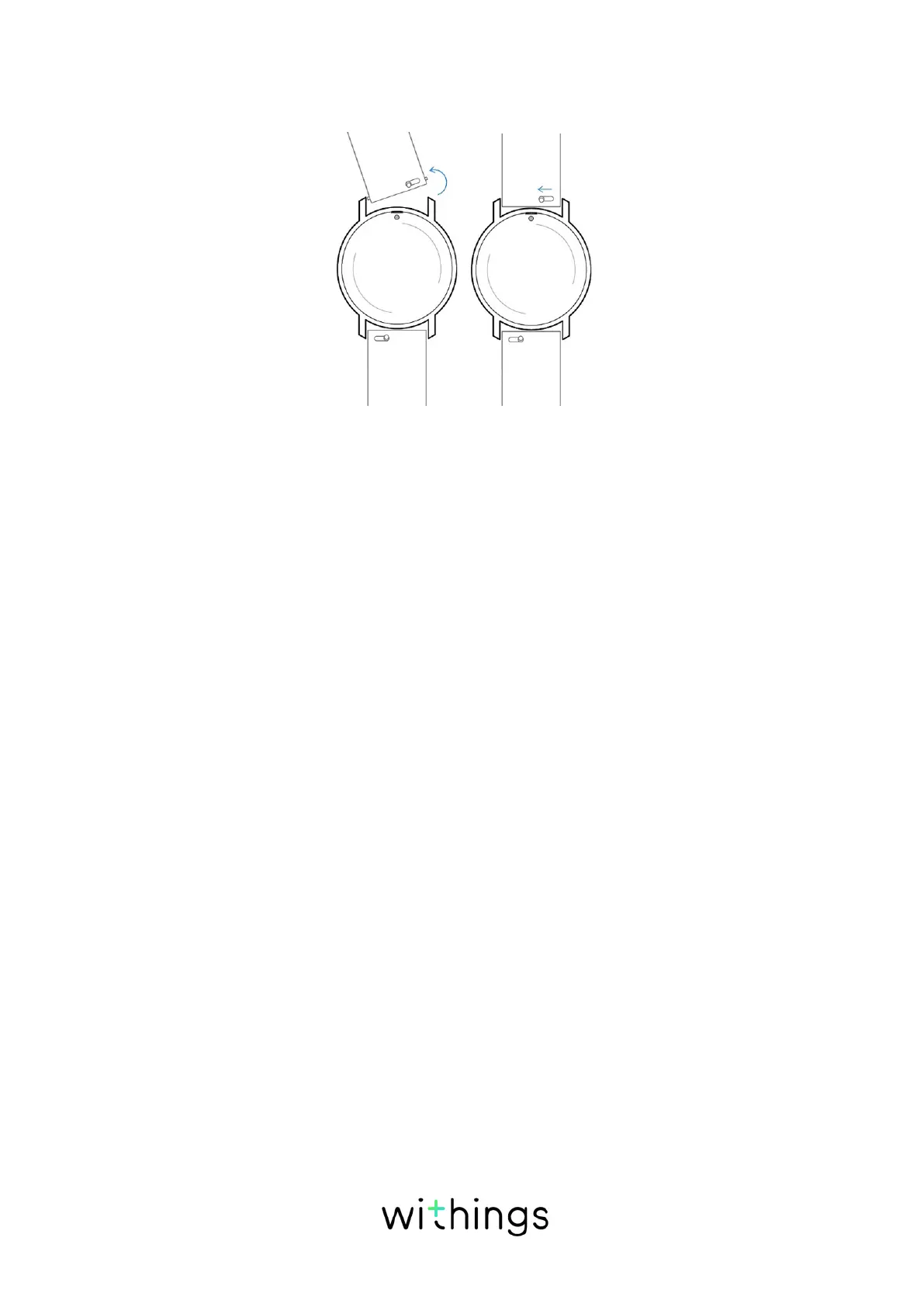
4. Insert one side of the spring bar of the new wristband.
5. Put the wristband in place while pulling the knob to the left side.
6. Release the knob.
The wristband is now properly attached to your Withings Move.
7. Repeat the previous steps for the other side.
Calibrating the hands
If you ever feel that the time displayed on your Withings Move is incorrect, you
may need to recalibrate the hands. To do so, perform the following steps:
1. Open the Health Mate® app.
2. Go to Devices > Withings Move.
3. Tap Set the time.
Make sure that your Withings Move is placed close enough to your mobile
device.














 To Next Page