EN-49
Withings Move
v1.0 | January, 2019
Updating the firmware version
We regularly oer new firmware versions so that you can benefit from the latest
features we add to our products. When a new firmware version is available, the
Health Mate® app usually prompts you to install it through your Timeline.
Make sure you sync your Withings Move before updating the firmware
version. Failing to do so will result in a loss of data.
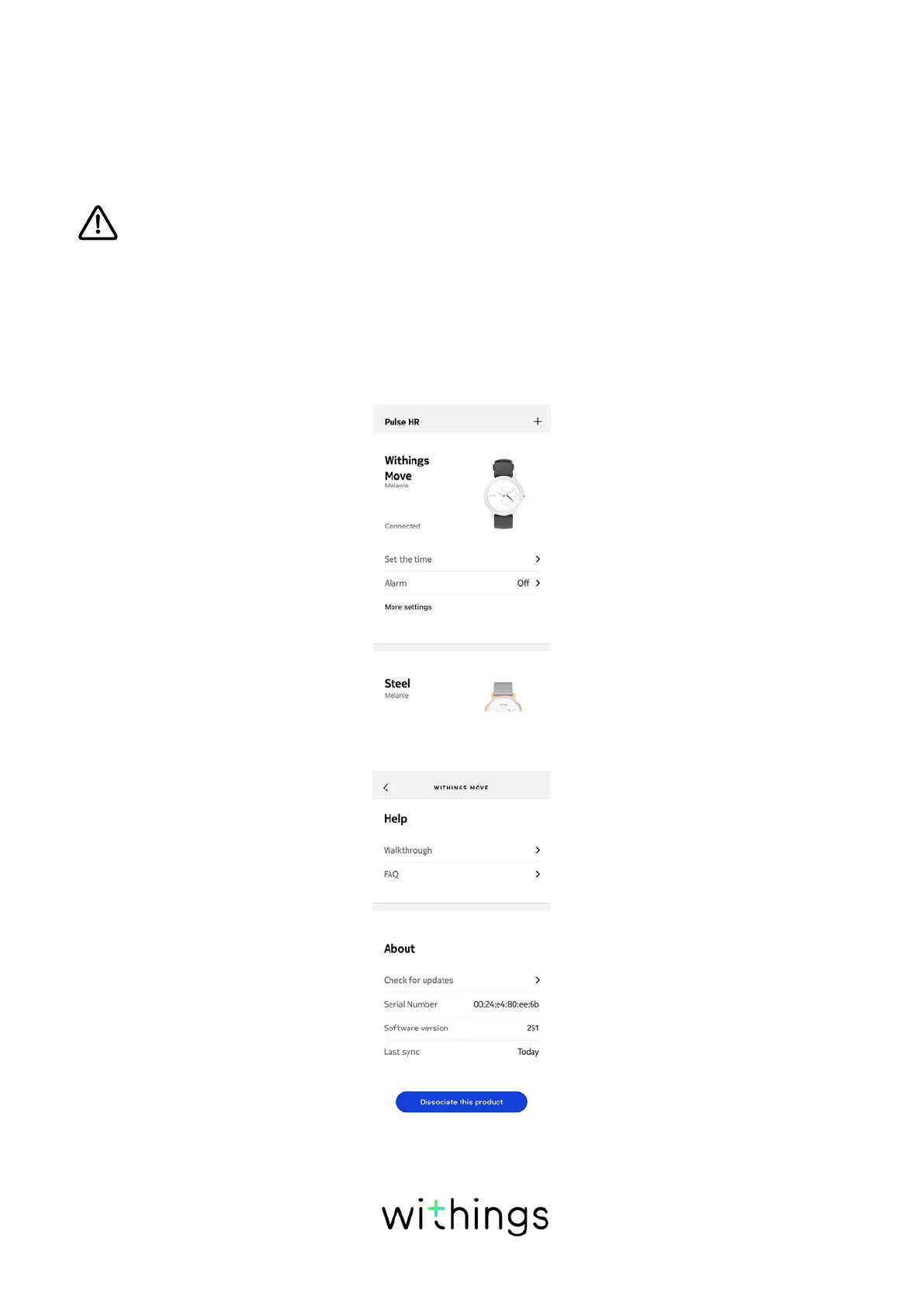
However, you can check if updates are available and force their installation
whenever you want. To do so, perform the following steps:
1. In the Health Mate® app, go to Devices.
2. Tap your Withings Move.
3. Tap Check for updates.
4. Put your Withings Move close enough to your mobile device.














 To Next Page