EN-38
Withings Move
v1.0 | January, 2019
Getting more active
Competing with my friends
Overview
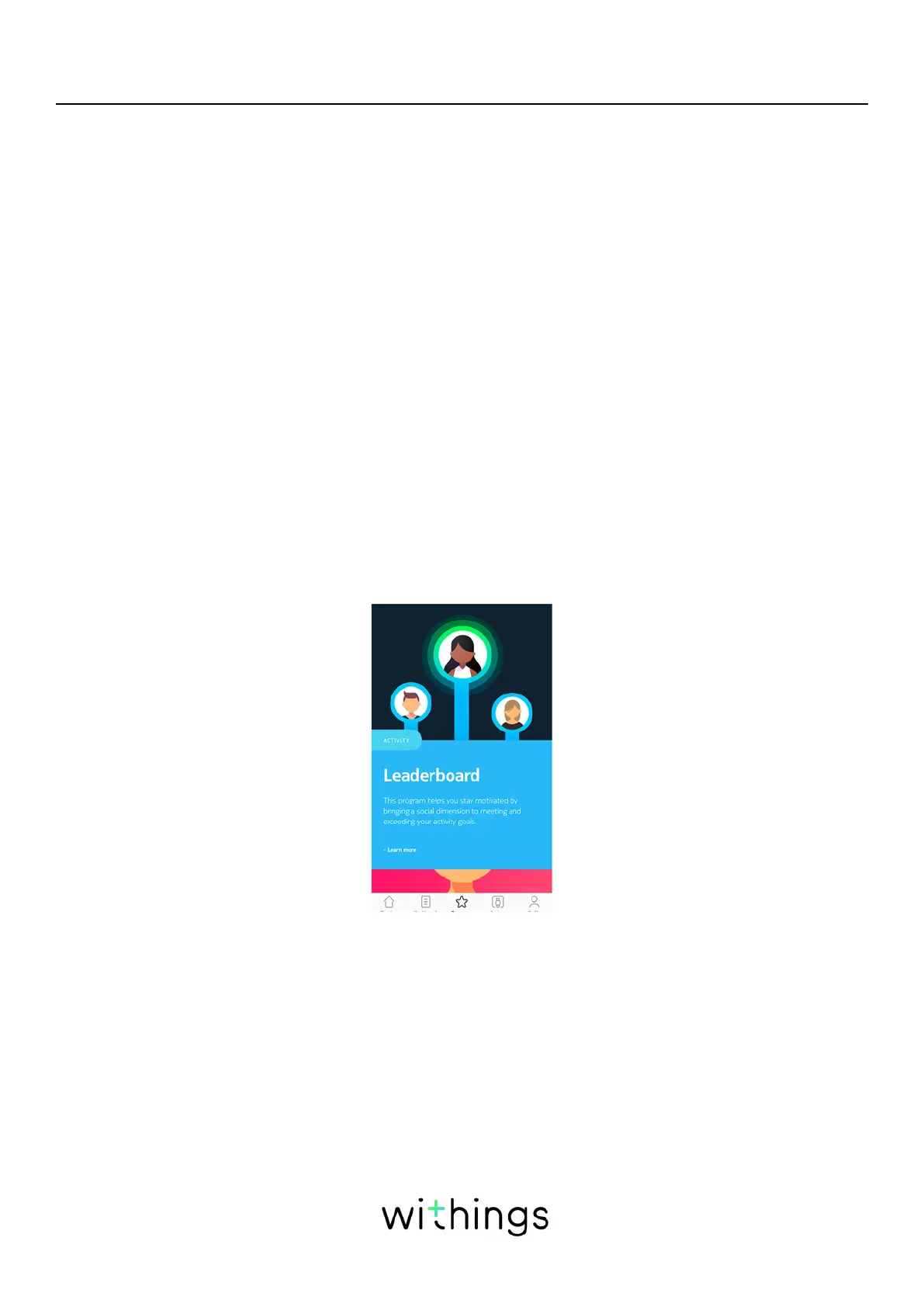
Your Withings Move and the Health Mate® app help you stay motivated by
bringing a social dimension to the equation. You can add your friends and family
to your leaderboard and compete with them to be the one who walks the most
every week. It doesn’t matter if they have a Withings product or not: you can add
anyone as long as they have the Health Mate® app on their smartphone, thanks to
the in-app tracking that can act as an activity tracker.
This feature is only available to the main user of the account.
Adding someone to my leaderboard
You can invite people to join your leaderboard. To do so, perform the following
steps:
1. In the Health Mate® app, go to Wellness Programs.
2. Select Leaderbord.
3. Tap Join.
4. Tap Invite.
5. Select how you want to send your invitation.














 To Next Page