EN-37
Withings Move
v1.0 | January, 2019
How does connected GPS work?
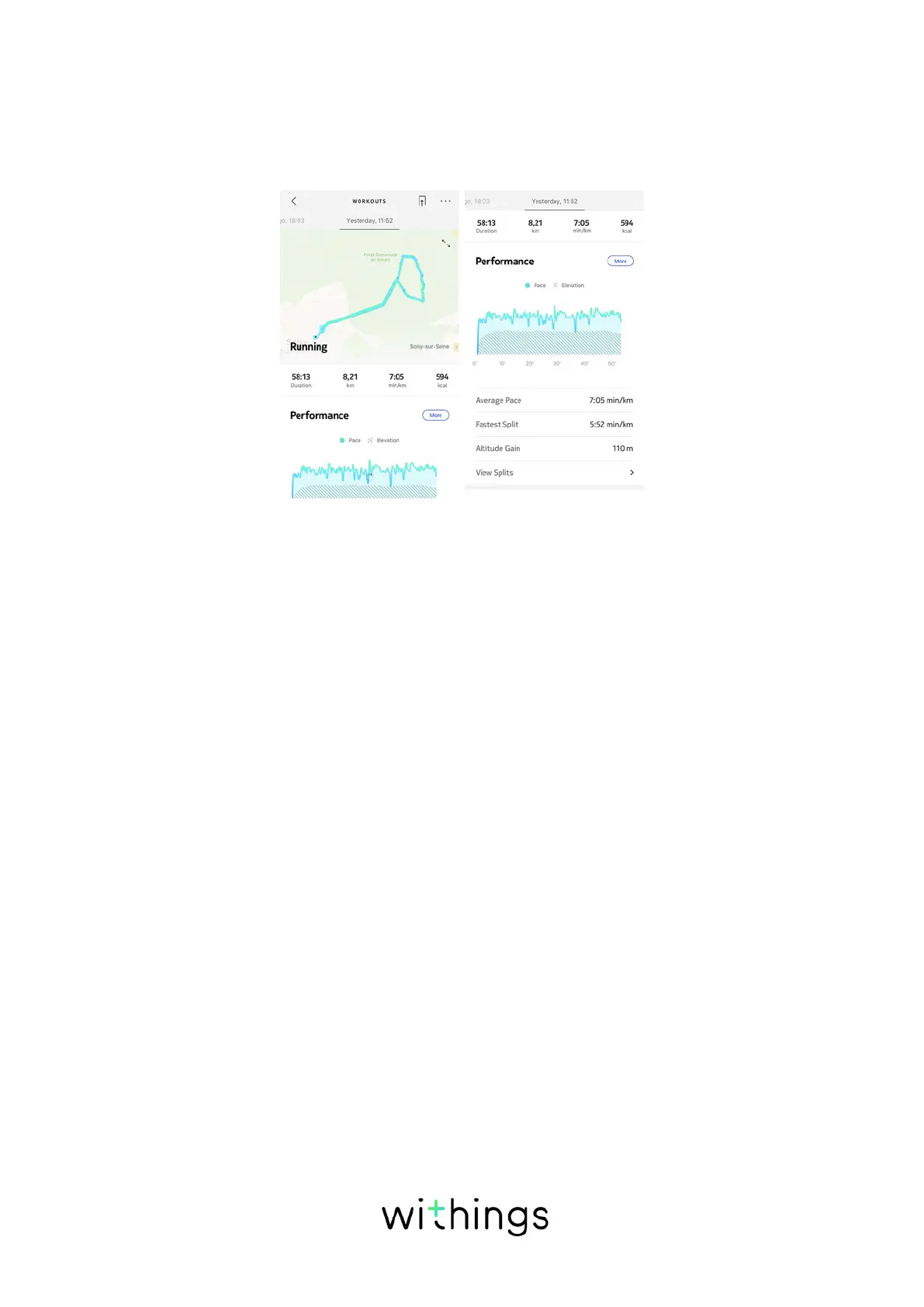
Connected GPS means that when running with your smartphone, you will be
able to track the route you have covered on a map in the Health Mate® app. Also,
additional workout metrics such as duration, distance and pace are displayed in
real time during the workout on your phone.
To use connected GPS, you need to launch a distance-based outdoor activity
workout session. To do so, perform the following steps:
1. Press the button of your Withings Move for about a second until it vibrates.
The watch will switch to a chronometer: the minute hand of the Withings Move
will show the seconds and the hour hand will show the minutes. You can
choose to alternate between the chronometer and the real time by pressing
briefly the button two times.
1. Press the button until it vibrates when you want to stop your workout session.
Note that your Withings Move needs to be connected via Bluetooth. Connected
GPS requires you to enable your location settings of your smartphone.
Withings Move oers Connected GPS for all distance-based outdoor activities
such as walking, running, cycling, and canoeing.














 To Next Page