EN-34
Withings Move
v1.0 | January, 2019
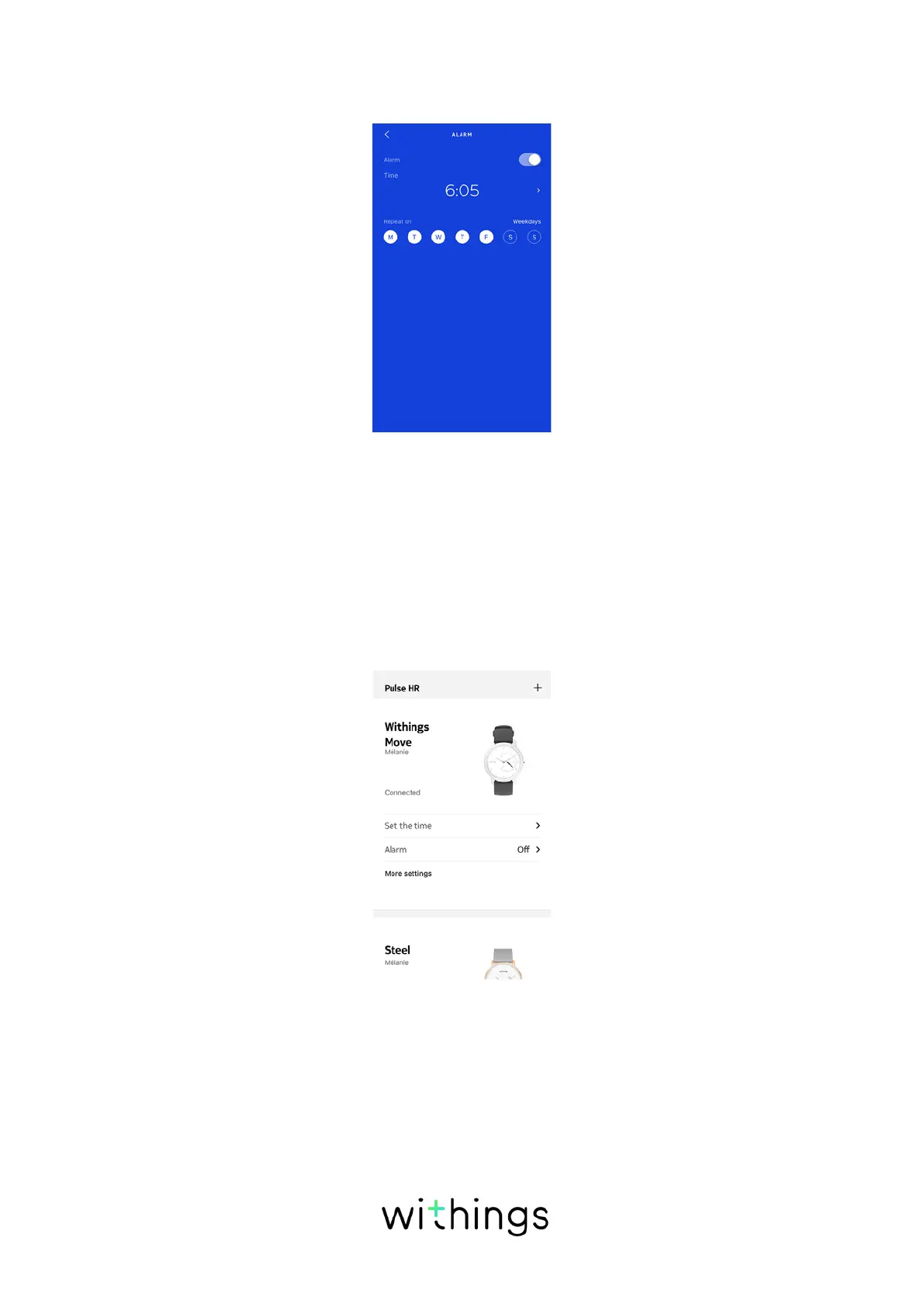
8. Tap Repeat on if you want to select on which days the alarm should be
triggered.
9. Tap the back button to confirm.
Note that you can set up to three alarms on your Withings Move.
Disabling the alarm
1. Open the Health Mate® app.
2. Go to Devices.
3. Tap Withings Move > Alarm.
4. Place Withings Move close enough to your mobile device.














 To Next Page