Operation
10 FB 7100 PLUS 10.2011
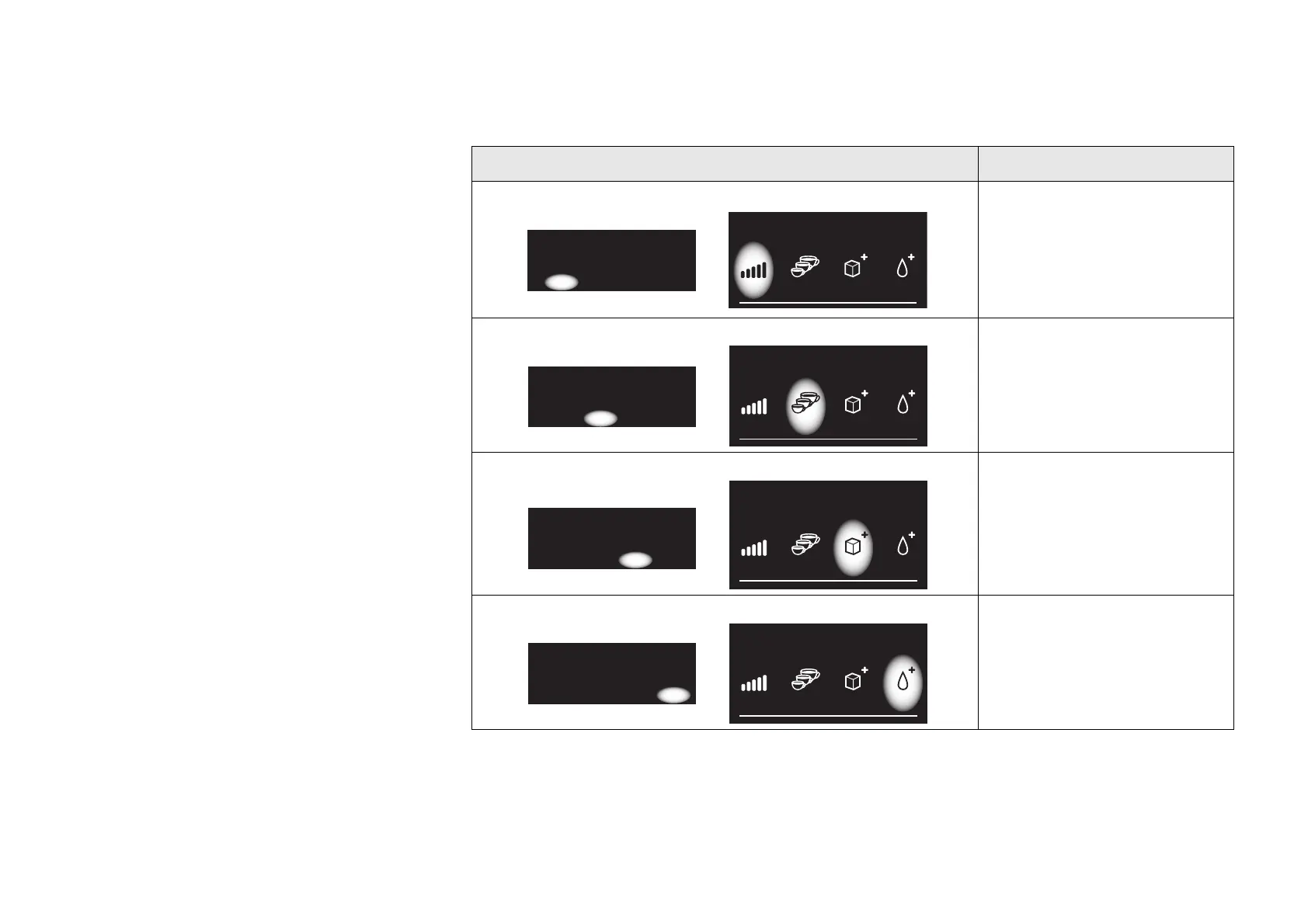
Settings buttons
In functions that require settings, for example
price settings, the functions of the four pre-
selection buttons change accordingly.
This table describes how the four pre-selection buttons are used to enter or change numbers.
Display Button Function
‘Minus’ button
Press this button to
decrease a numeric value
in increments of one.
‘Plus’ button
Press this button to
increase a numeric value
in increments of one.
‘Next’ button
Press this button to
continue to the next digit,
e.g. in price setting
functions.
‘OK’ button
Press this button to save
changes to settings in the
system.
Price: [Drink]
*Set price: xx.xx
(-) (+) -> OK
Price: [Drink]
*Set price: xx.xx
(-) (+) -> OK
Price: [Drink]
*Set price: xx.xx
(-) (+) -> OK
Price: [Drink]
*Set price: xx.xx
(-) (+) -> OK



 To Next Page