11
SmartCam
6.4 Changing the master code K2
Changing the master code is only possible when the lock is opened.
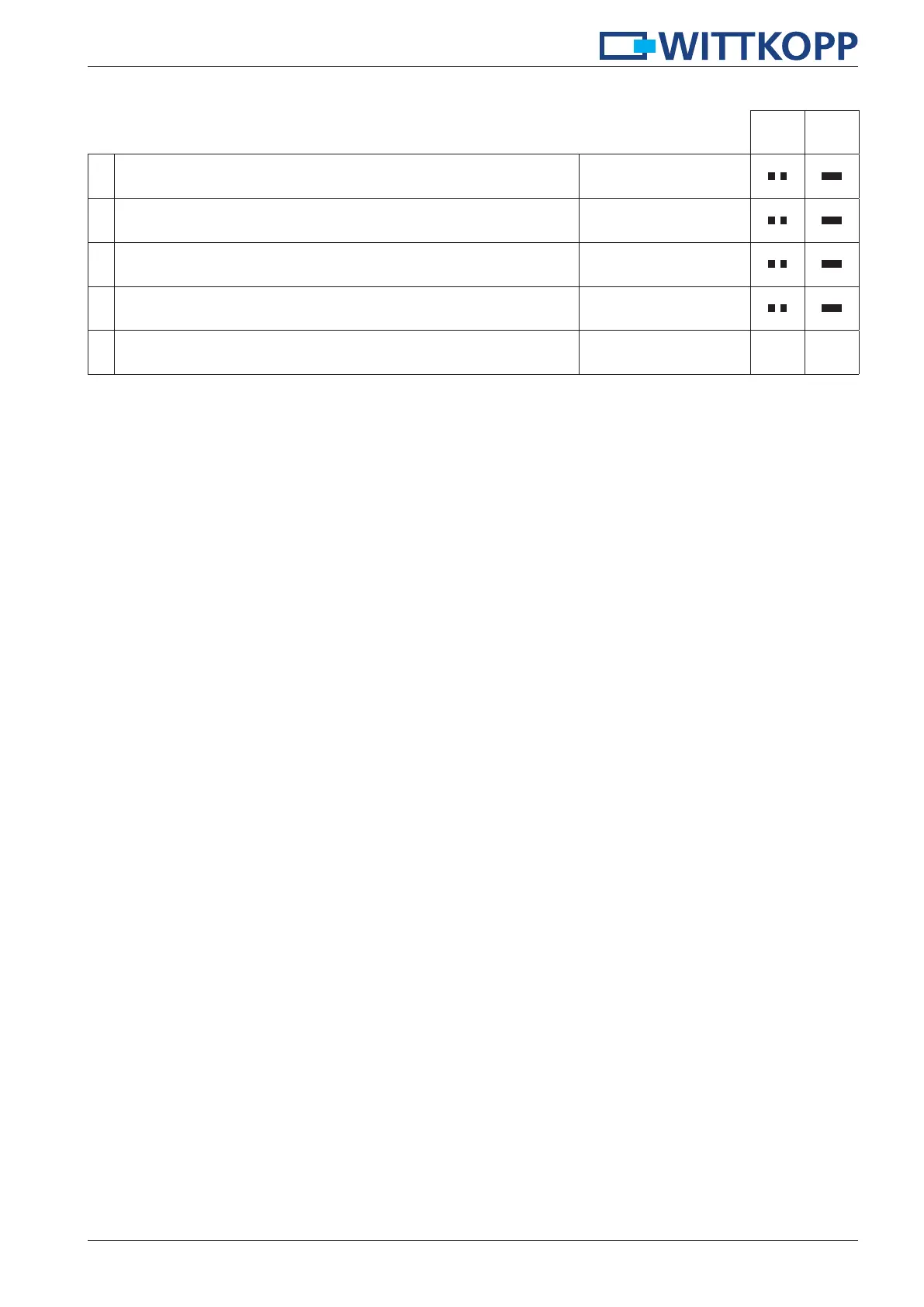
1.
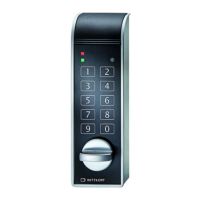
Press and hold the key “2“ for approx. 3 seconds.
When releasing the key the green LED lights up permanently.
2
2. Enter your 6-digit master code e.g.
123456
3. Enter your new 6-digit code e.g.
888888
4. Re-enter your new 6-digit code e.g.
888888
5. The new code is accepted.


 To Next Page