14
SmartCam
9-13 Valid for all operating modes
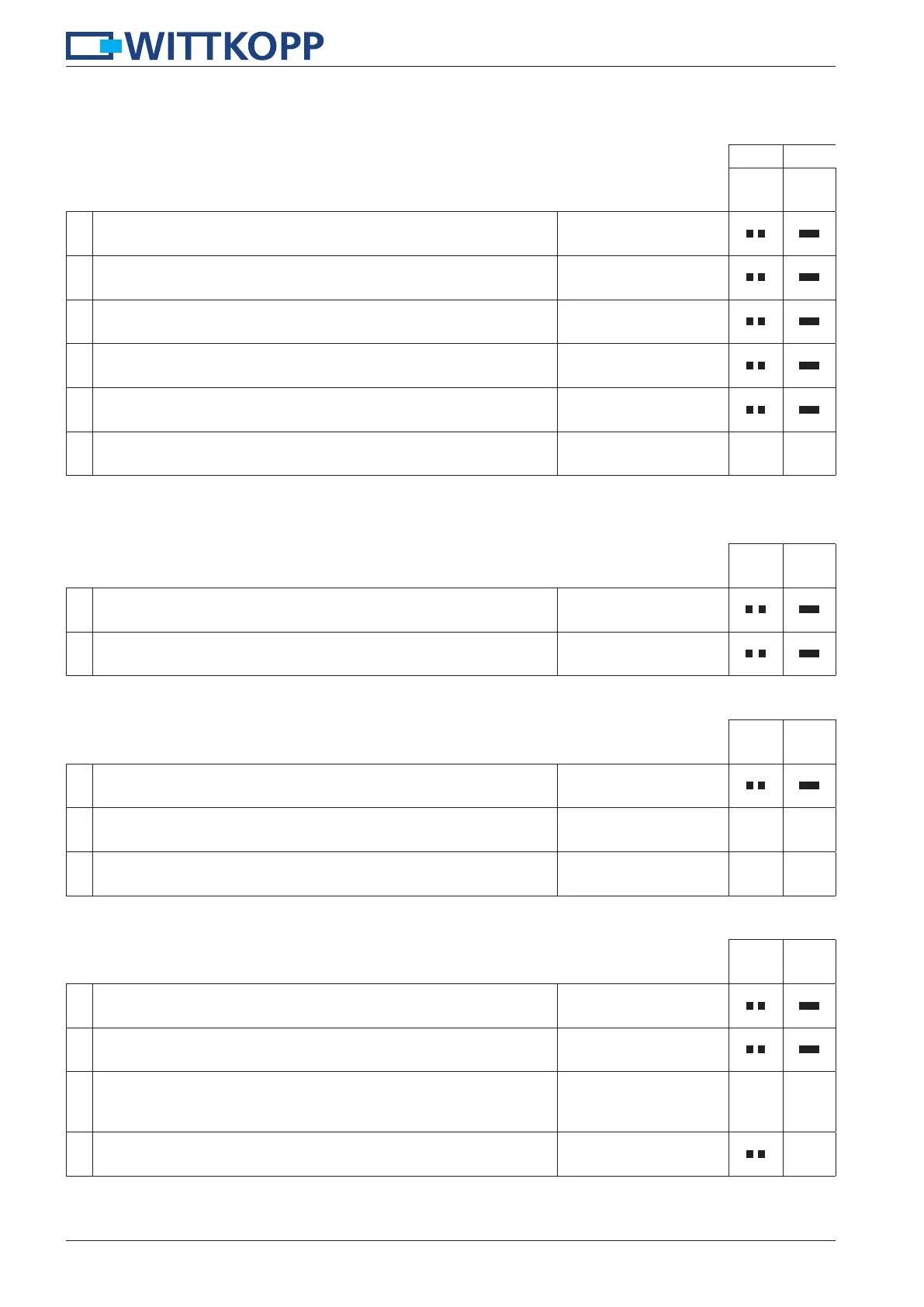
9 Reset
In a case of a reset all user codes will be reset to factory mode. Programmed user codes will be deleted.
Reset is only possible when the lock is opened.
1.
Press and hold the key “6“ for approx. 3 seconds.
When releasing the key the green LED lights up permanently.
6
2.
Enter your 6-digit master code.
123456
3. Enter the 2-digit reset code.
00
4.
Re-enter your 6-digit master code e.g.
123456
5. Re-enter the 2-digit reset code.
00
6. The lock is conditioned back in the delivery status.
10 Testing the system
Press every number once. A functional key will be confirmed by a double signal. A key that was not identi-
fied is confirmed by a long signal and the functional test is aborted. The lock has to be checked.
1.
Press and hold the key “5“ for approx. 3 seconds.
When releasing the key the green LED lights up permanently.
5
2. Press every key in its order of appearance.
1, 2, 3..., 0
11 Bolt position signalisation
1. Press and hold the key “4“ for approx. 3 seconds.
4
2. Bolt is in locking position. Green LED flashes
3. Bolt is in opening position. Red LED flashes
12 Reading out operation mode
The current operation mode is indicated.
1.
Press and hold the key “7“ for approx. 3 seconds.
When releasing the key the green LED lights up permanently.
7
2.
Enter your 6-digit master code e.g.
123456
3.
Decade = number of beeps + red LED
Pause + flash red LED
Unit digit = number of beeps + green LED + red LED
4. The signalisation is completed.


 To Next Page