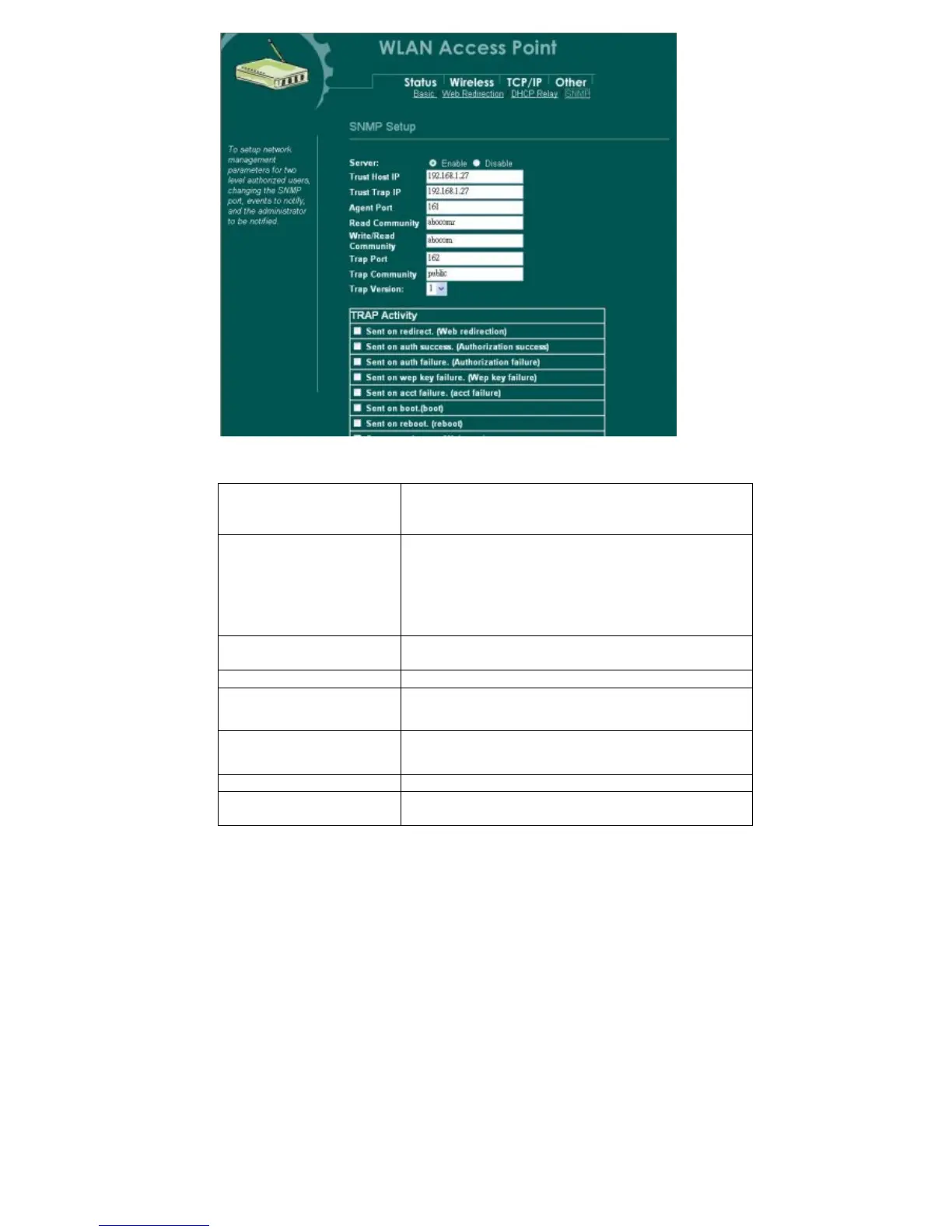
SNMP Setup
31
Server
Click the radio button to enable/disable the SNMP
server. You have to enable this function first to set
the following settings.
Tr ust Host IP
Enter the IP address of the NMS (Network
Monitoring Stations). The NMS is the only host PC
that is allowed to access this AP. If t his filed is left
blank, it means that every host PC is allowed to
access the AP if only its “Comm unity string” is
correct.
Trust Tra p IP
Enter the IP address of the SNMP Trap Receiver.
Leave it blank to disable the SNMP trap function.
Agent Port
Enter the SNMP listening port.
Read Community
Enter the communicty string for the NMS to read only this
AP’s M IB.
Write/ReadCommunity
Enter the communicty string for the NMS to read/write this
AP’s M IB.
Tra p Port
Enter the remote Trap Receiver port.
Trap Community
Enter a trap community string that is used as a
password for the Trap Receiver.



 To Next Page