65
User Manual WMF1500 S +
Software | System
Portioner
The names of the beans and powders used can be
saved here.
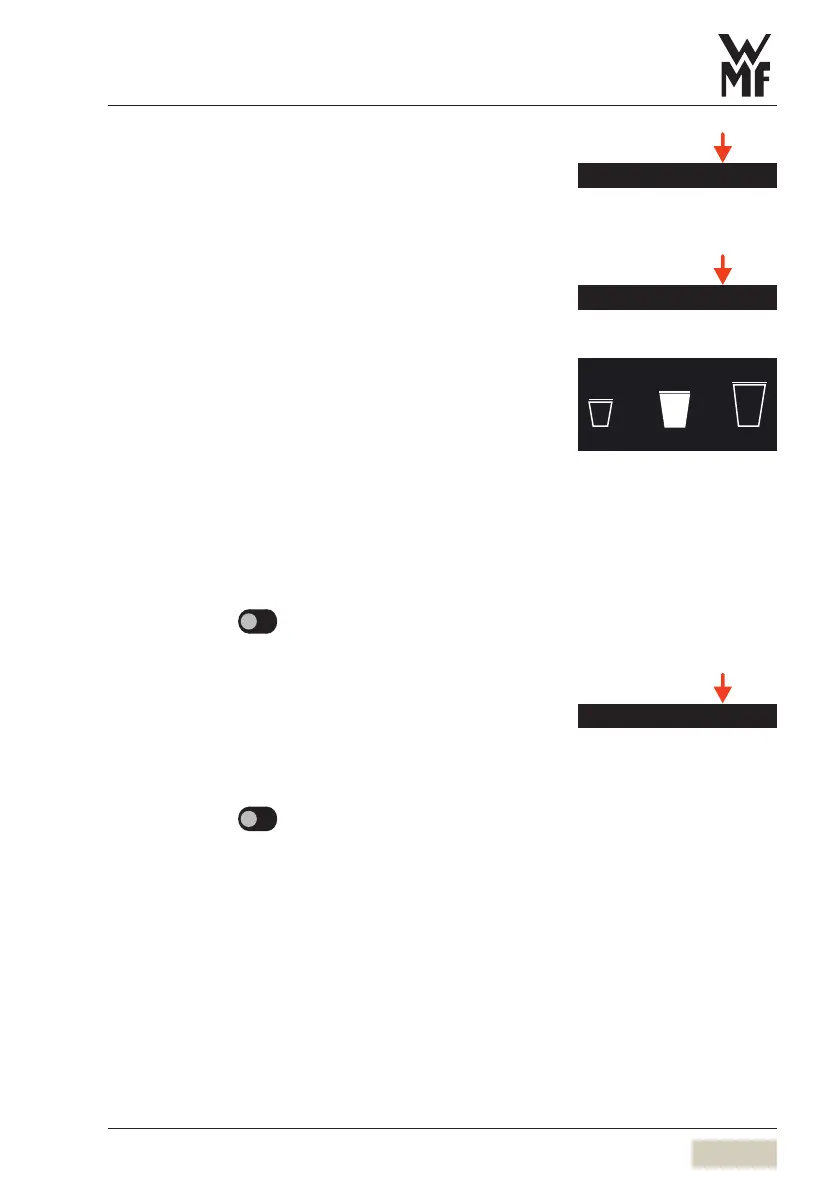
S-M-L Function
Small
Standard modification factor for beverage sizes for
S-recipes that are newly activated.
Default value: 75 %
Large
Standard modification factor for beverage sizes for
L-recipes that are newly activated.
Default value: 125 %
Options: • active
• inactive
Default value:
inactive
Bluetooth (optional)
The optional WMFBluetooth stick is required for this
function.
Options: • active
• inactive
Default value:
inactive
Set Bluetooth to active here
Open the operating panel
Insert the WMFBluetooth stick on the back side of
the operating panel
Switch the coffee machine off and on again
Portioner
S-M-L
S M L
Cup volume S-M-L
w Software
w Beverages
page 39
Tip
Beverage sizes S-M-L can also be
defined in the recipe and are then
available directly as abeverage
button.
Bluetooth



 To Next Page