74
User Manual WMF1500 S +
Care | Cleaning programs
System cleaning; Basic Milk
Start
Start the Care menu
Touch System cleaning
This query appears: “switch off after cleaning?”
• If confirmed with Yes , the coffee machine
switches off after cleaning.
• If confirmed with No , the coffee machine remains
switched on after cleaning.
Select desired option
Follow the information on the display
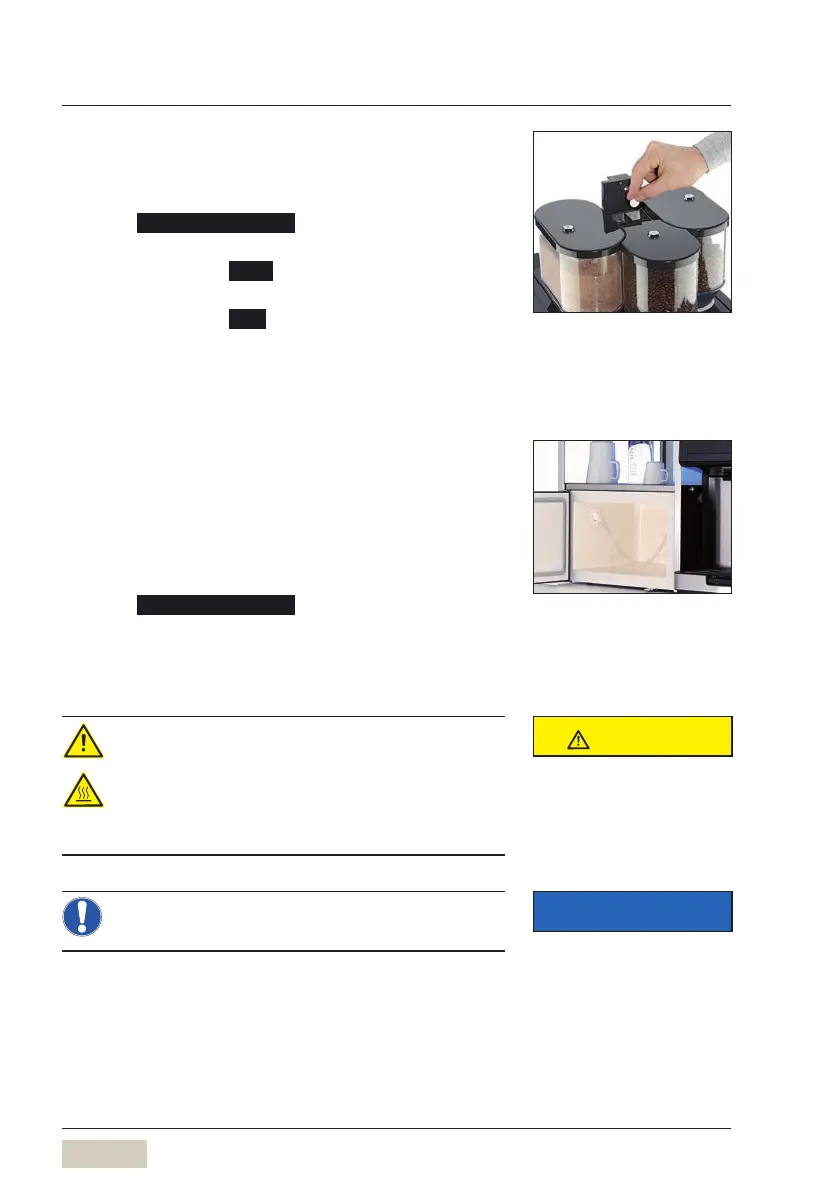
System cleaning; Basic Milk with Plug&Clean
For system cleaning for coffee machines with
Plug&Clean, the Plug&Clean Adapter is used for
cleaning.
Start
Start the Care menu
Touch System cleaning
Follow the information on the display
System cleaning; EasyMilk/DynamicMilk
Health hazard/scalding hazard
• During the cleaning cycle, hot cleaning
solution flows into the container.
> Carefully empty the cleaning container after
cleaning.
Never place the cleaning container in the cooler
while it is hot, as this can damage the cooler.
During cleaning, asmall amount of
rinse water may get into the coffee
grounds container. This is not an
error.
CAUTION
Follow the Safety chapter
w starting on page 7
IMPORTANT
Follow the Warranty chapter
w starting on page 108



 To Next Page