HANGZHOU WORLDE DIGITAL PIANO CO.,LTD HANGZHOU WORLDE MUSIC ELECTRONIC CO., LTD
WEBSITE: WWW.WORLDE.COM.CN EMAIL:SALES@WORLDE.COM.CN TEL:86 571 88730848
3.3 Memory and data call back
3.3.1 MEMORY
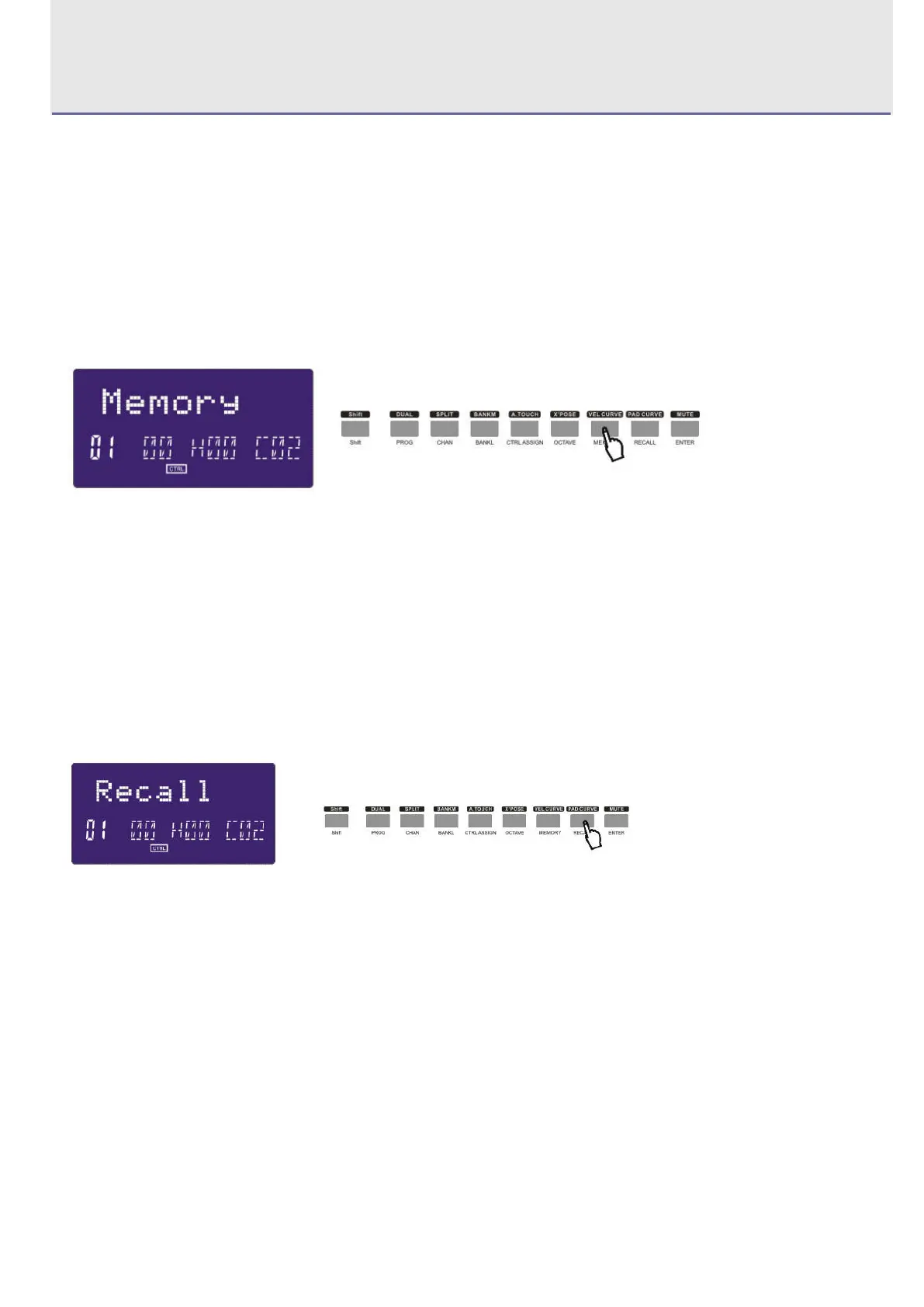
Press the MEMORY button. The system enters the storing state, it stores 6 groups setup value. Using the NUMERIC
button1~6 to select the memory area. Press ENTER to store the control setting. The operation steps and LCD displays
the following:
(1)Press the SHIFT button for one or two times until the LCD displays “Shift ON”.
(2)Press the “Memory” button for one or two times until the LCD displays “Memory”.
(3)Press the Numeric button “1” and the LCD displays “A”.
(4)Press the “Enter” button to confirm and the LCD will display “Done”.
3.3.2 RECALL
Press the RECALL button, the system enters the recall state. Using the NUMERIC button 1~6 to select the memory area.
Press ENTER to recall the parameters. The operation steps and LCD displays the following:
(1)Press the SHIFT button for one or two times until the LCD displays “Shift ON”.
(2)Press the “Recall” button for one or two times until the LCD displays “Recall”.
(3)Press the Numeric button “1” and the LCD displays “A”.
(4)Press the “Enter” button to confirm and the LCD will display “Done”.
3.4 Control functions
3.4.1 SHIFT
Use SHIFT button to select the upper function of the buttons. The LCD displays the following:



 To Next Page