EasyManua.ls Logo

Worx WG168E - User Manual

Worx WG168E
20 pages
Print Icon
To Next Page IconTo Next Page
Loading...
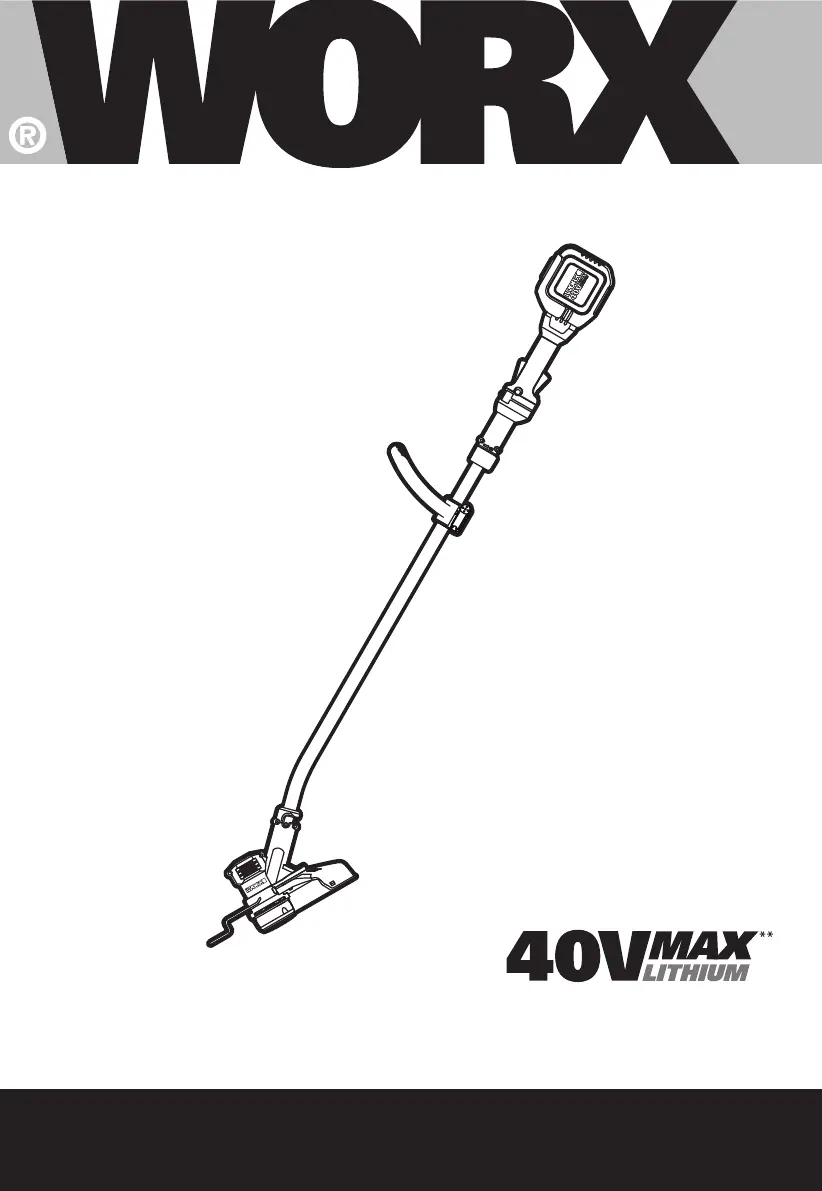
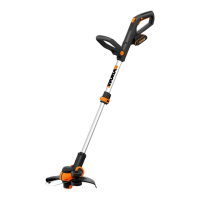
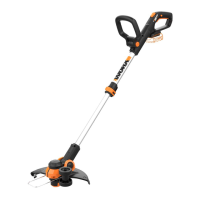
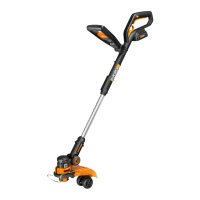
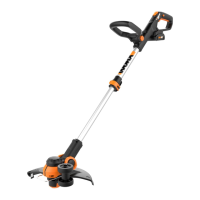
Cordless Lawn Trimmer
Lawn Edge Trimmer
WG168E
SAFETY AND OPERATING MANUAL

Other manuals for Worx WG168E

Questions and Answers

  • T
    Tiffany RiosSep 23, 2025
    Why battery charge indicator does not light up on my Worx WG168E?
    • T
      Tricia JamesSep 23, 2025
      If the battery charge indicator on your Worx Trimmer does not light up, the plug of the battery charger may not be plugged in properly (ensure the charger is plugged in properly), or the socket outlet, mains cable, or battery charger could be defective (check and replace if necessary).
  • M
    mvincentAug 25, 2025
    What to do if my Worx WG168E fails to operate?
    • T
      Thomas BarrAug 25, 2025
      If your Worx Trimmer isn't working, the battery may be discharged, in which case you should replace or recharge it. Another potential cause is that the battery is either too hot or too cold; allow it to reach room temperature. The motor might be broken, requiring repair or replacement. Finally, the internal wiring of the machine could be damaged, so inspect and repair it.
  • N
    Nicholas LopezAug 25, 2025
    Why my Worx Trimmer won't start?
    • J
      Johnny McguireAug 26, 2025
      Your Worx Trimmer might not be starting due to several reasons: the battery may be discharged (charge the battery), the battery could be too hot or cold (allow it to reach room temperature), the motor might be broken (replace or repair the motor), or the internal wiring of the machine could be damaged (check and repair the internal wiring).
  • A
    Amanda GordonAug 27, 2025
    Why is my Worx WG168E Trimmer battery not working?
    • T
      Theresa KnightAug 27, 2025
      If the Worx Trimmer battery is discharged or too hot/cold, recharge the battery, consulting the charger manual, or allow it to cool/warm. If the motor is broken or the internal wiring is damaged, contact a service agent.
  • R
    Rebecca DavenportSep 23, 2025
    What to do if my Worx WG168E Trimmer won't charge?
    • H
      hammondnicoleSep 23, 2025
      If the plug of your Worx Trimmer battery charger is not plugged in properly, fully insert it into the socket outlet. Check the mains voltage. Have the battery charger checked by an authorized after-sales service agent if it is defective.
  • H
    Heather FrancoSep 13, 2025
    Why does my Worx WG168E have excessive vibrations or noise?
    • G
      gwareSep 13, 2025
      Excessive vibrations or noise in your Worx Trimmer can be due to a defective machine, which would require inspection and repair. Another cause could be that the line spool is not wound well, so rewind the line spool properly.
  • L
    Logan StewartSep 12, 2025
    Why doesn't the battery charge indicator light up on my Worx WG168E?
    • P
      perryphillipSep 12, 2025
      The battery charge indicator on your Worx Trimmer might not light up because the plug of the battery charger is not plugged in properly; ensure the charger plug is securely connected. Another reason could be a defective socket outlet, mains cable, or battery charger; check and replace any defective components.
  • J
    Joann CoxSep 12, 2025
    Why is my Worx Trimmer running intermittently?
    • E
      Erin WigginsSep 12, 2025
      If your Worx Trimmer is running intermittently, the motor could be broken, meaning you should repair or replace it. Also, the battery may not be fully charged, so fully charge the battery. Another cause might be a defective On/Off switch, which should be repaired or replaced.
  • C
    Christopher FernandezSep 4, 2025
    What to do if the cutting line is not winding well on my Worx WG168E?
    • J
      Jennifer SmithSep 4, 2025
      If the cutting line of your Worx Trimmer is not wound well, tangled, or used up, manually feed the line. If it still won't feed out, remove the spool and rewind the line. If necessary, replace it with a new line spool.
  • B
    Brad DavidSep 2, 2025
    What to do if my Worx WG168E is not cutting?
    • P
      Patricia MacdonaldSep 2, 2025
      If your Worx Trimmer isn't cutting, it could be due to a few reasons. The cutting line might be broken (replace the cutting line), the battery may not be fully charged (charge the battery), the motor could be broken or running too slowly (repair or replace the motor), or grass might be entangled around the cutting head (remove the entangled grass).

Summary

General Power Tool Safety Warnings

Work Area Safety

Keep work area clean, well-lit, and free from explosive atmospheres.

Electrical Safety

Follow guidelines for plugs, grounding, water exposure, cords, and RCDs.

Personal Safety

Stay alert, use PPE, prevent unintentional starts, dress properly, and maintain balance.

Power Tool Use and Care

Proper Tool Selection and Application

Use the correct tool for the job and ensure it is in good working order.

Maintenance and Storage

Keep tools sharp, clean handles, and store safely away from children.

Battery Tool Use and Care

Charging and Usage Precautions

Use specified chargers and battery packs, and handle with care.

Servicing and Maintenance

Have the tool serviced by qualified personnel using identical replacement parts.

Operating Instructions and Precautions

General Usage Guidelines

Read instructions, wear eye protection, use in daylight, and check for damage.

Maintenance and Storage

Store out of reach of children, disconnect battery after use, and use approved parts.

Battery Pack Safety Instructions

Handling and Storage Precautions

Do not dismantle, short-circuit, expose to heat/shock, or allow contact with leaking liquid.

Battery Pack Safety Instructions (Continued)

Battery Charging and Maintenance

Charge before use, use specified chargers, and maintain terminals clean.

Battery Storage and Handling

Store away from metal objects, keep out of reach of children, and remove when not in use.

Battery Disposal and Performance

Dispose properly, keep separate, and retain literature for reference.

Assembly Instructions

Main Handle Assembly

Align and insert shaft into upper housing, then tighten locking knob.

Auxiliary Handle Assembly

Slide auxiliary handle onto support until click, ensure clamp is closed.

Safety Guard Assembly

Remove screw, attach guard to housing, secure with screw, remove line cutter tape.

Using Your Cordless Trimmer

Before First Use

Battery pack is shipped uncharged and must be charged before first use.

Charging the Battery Pack

The Li-Ion battery is protected against deep discharging.

Using Your Cordless Trimmer: Operation

Removing or Installing Battery Pack

Depress release button to remove; push in until click to install.

Battery Status LED Indicators

LEDs show charge level: three green = high, two = moderate, one = depleted.

Safety On;Off Switch

Use lock-off switches and on/off lever to start; head continues to rotate briefly after shutdown.

Using Your Cordless Trimmer: Settings and Operation

Three Speed Settings

Select speed for light, medium, or tough grass trimming.

Auxiliary Handle Adjustment

Adjust handle for comfort and balance, then tighten clamp.

Trimming Operation

Wear PPE, hold tool correctly, ensure line is fed, use correct line diameter.

Using Your Cordless Trimmer: Trimming Techniques

Edging Procedure

Rotate trimmer head to 180 degrees for edging, use edge guide for protection.

Automatic Line Feed System

Line feeds automatically when switched on; noise is normal.

Manually Feeding Line

Press feed button and pull line; adjust length if too long.

Removing the Spool Cap

Press and hold latches, then pull cap away from spool holder.

Replacing Trimmer Line and Spool

Spool Replacement Procedure

Remove old spool, clear debris, install new spool, release line, refit cap.

Manually Winding Line

Insert line into spool holes, wind in direction of arrows, leave end in cleat.

Storing Your Grass Trimmer

Storage Recommendations

Remove battery pack after use and store in a dry, protected place.

Maintenance

Cleaning and Inspection

Remove battery, check for damage, clean with dry cloth, keep ventilation clean.

Troubleshooting

Safety and Procedure

Switch off machine and remove battery before troubleshooting.

Worx WG168E Specifications

General IconGeneral
Battery typeLithium - Ion
Power sourceBattery
Charging time1 h
Battery voltage40 V
Battery capacity2 Ah
Line diameter2 mm
Product colorMulticolor
Plant protectorYes
Rotational speed8300 RPM
Cutting diameter (max)33 mm
Weight and Dimensions IconWeight and Dimensions
Weight3600 g

Related product manuals