EasyManua.ls Logo

Worx WX531 Series - User Manual

Worx WX531 Series
20 pages
Print Icon
To Next Page IconTo Next Page
Loading...
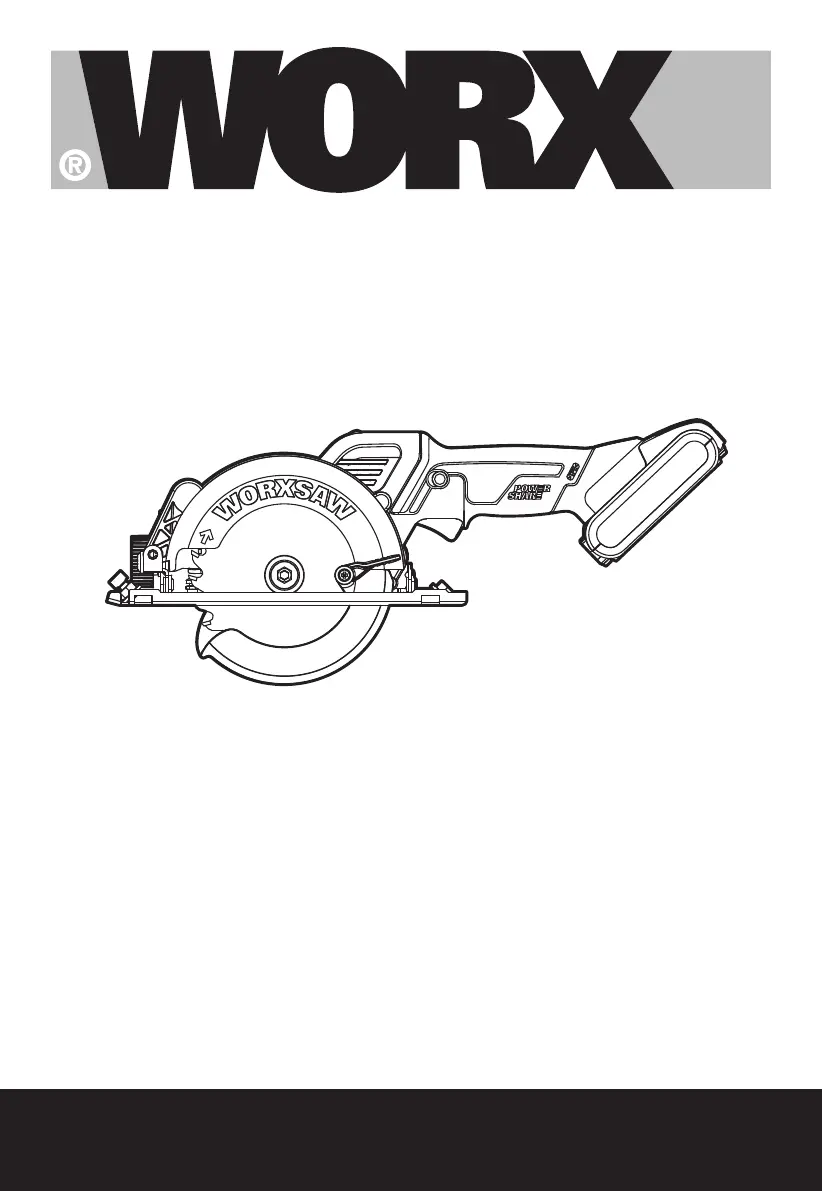
SAFETY AND OPERATING MANUAL
ORIGINAL INSTRUCTIONS
WX531 WX531.X
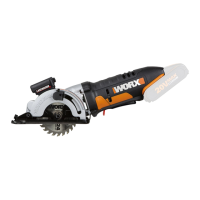
20V Cordless Brushless
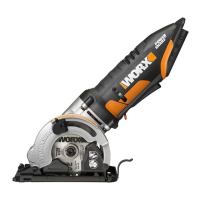
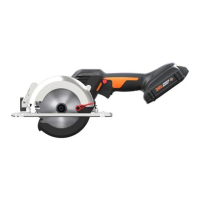
Circular saw

Other manuals for Worx WX531 Series

Questions and Answers

  • G
    gregorytonyaAug 13, 2025
    What to do if my Worx WX531 Saw won't start?
    • K
      kimberly74Aug 13, 2025
      If your Worx Saw isn't starting, there are a few potential reasons. First, ensure the battery pack is properly connected to a working outlet. Also, check if the battery pack is powered on; if not, charge the battery. Finally, the carbon brush may be worn down, requiring replacement by a qualified maintenance person.
  • B
    Bryan BrownAug 17, 2025
    Why is the cutting depth less than set on my Worx WX531?
    • A
      Ashley PearsonAug 17, 2025
      If the cutting depth on your Worx Saw is less than expected, it could be due to several reasons. Sawdust accumulation at the rear of the base might be the cause, so shake it out, or consider connecting a vacuum for dust collection. Also, check if the blade is not tightly engaged with the spindle; if so, remove and reassemble the blade. A dull blade can also cause this issue, so try mounting a new, sharp blade. Ensure the blade is properly mounted and that you're using a parallel guide. If restarting in the workpiece, center the blade in the kerf and ensure the saw teeth are not engaged into the material. Lastly, allow the saw blade to reach full speed prior to beginning a cut.
  • E
    Eric MckenzieAug 20, 2025
    What to do if Worx WX531 blade teeth are engaged in the material?
    • K
      Karen RogersAug 20, 2025
      If the Worx Saw blade teeth are engaged in the material when starting, center the saw blade in the kerf before restarting and ensure the saw teeth aren't engaged in the material. Also, allow the saw blade to reach full speed before cutting.
  • R
    Ryan WeberAug 25, 2025
    What to do if Worx Saw blade is not tightly engaged with the spindle?
    • M
      Michelle MunozAug 25, 2025
      If the Worx Saw blade is not tightly engaged with the spindle, remove the blade and reassemble it as described in Mounting and Removing the Blade section.
  • M
    Maurice ComptonAug 28, 2025
    What to do if the Worx WX531 Saw blade gets stuck?
    • D
      Dennis PattersonAug 28, 2025
      To resolve this, ensure the Worx Saw blade is centered in the kerf before restarting and verify that the saw teeth aren't engaged in the material. Also, let the saw blade reach its maximum speed before cutting.
  • O
    obrienanthonyAug 31, 2025
    What to do if the blade is not tightly engaged with the spindle of Worx WX531?
    • J
      Jason MartinAug 31, 2025
      If the Worx Saw blade isn't tightly engaged with the spindle, remove the blade and reassemble it following the instructions in the Mounting and Removing the Blade section.
  • L
    leeandrewSep 4, 2025
    How to troubleshoot Worx Saw that won't turn on?
    • M
      Misty GomezSep 5, 2025
      If your Worx Saw isn't working, check the following: 1. Make sure the battery park is properly connected to a working outlet. 2. Charge the battery. 3. If the carbon brush is worn, have a qualified maintenance person replace it.
  • K
    Krista NguyenSep 8, 2025
    What to do if sawdust accumulated at the rear of the base of Worx WX531?
    • A
      Alexander SaundersSep 8, 2025
      To solve this problem with your Worx Saw, shake out the accumulated sawdust. You might also want to connect a vacuum for dust collection.

Worx WX531 Series Specifications

General IconGeneral
BrandWorx
ModelWX531 Series
CategorySaw
LanguageEnglish

Related product manuals