EVOM™ Manual
World Precision Instruments 19
Reloading a Backup File after Power Failure
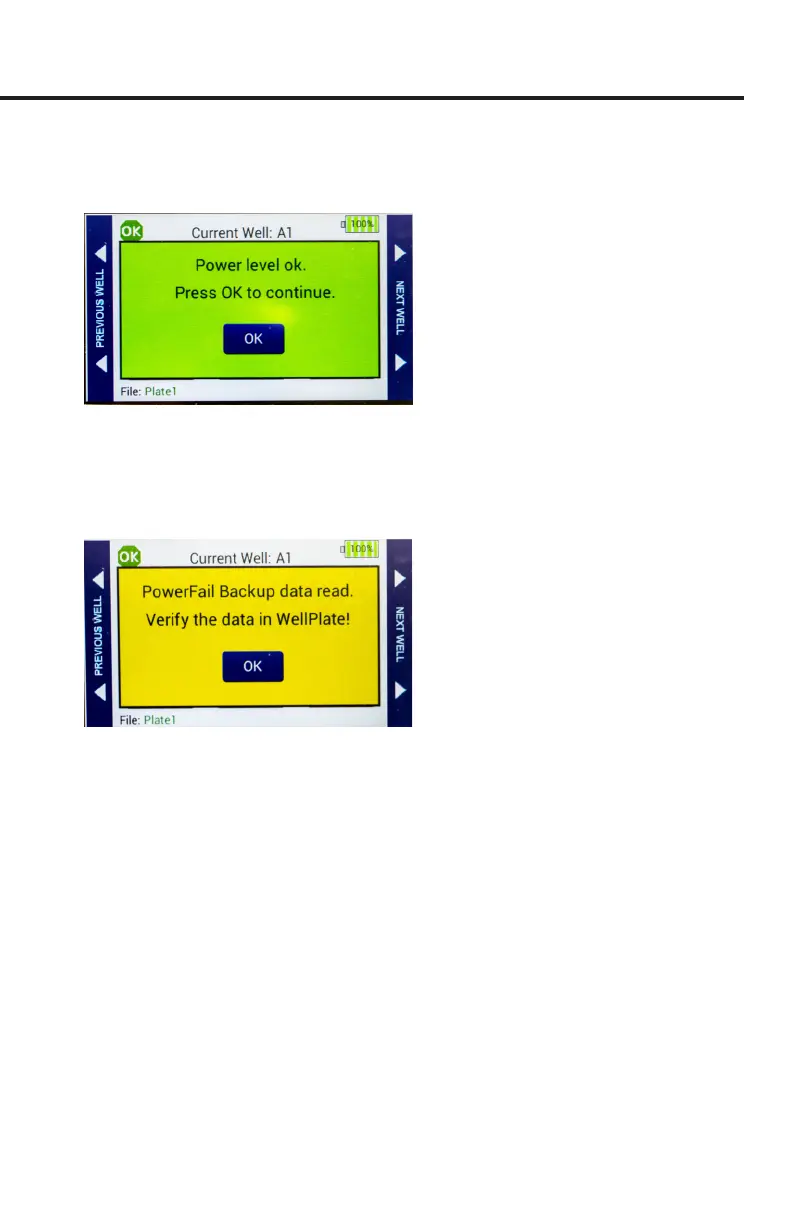
1. When power is restored a green message appears. Press
OK
.
Fig. 34—(Left) Power level is restored when the unit is plugged into a power source.
2. Cycle power on the EVOM™ Manual by turning it o and on again. This will
automatically load the backup le which was saved when the power failed. The
backup le is deleted from the USB drive when you press
OK
. Then, press
Preview
to check the data. Press
Save
to store the data.
Fig. 35—The backup le is restored on power up.



 To Next Page