Operation Cond 3110
20
ba75792e02 11/2008
Note
If the error message E3 appears, refer to chapter 6 W
HAT TO DO IF...
Stability control During calibration, the stability control is automatically activated.
Note
This method of automatically determining the cell constant by
calibration in the 0.01 mol/l KCL control standard solution can only be
used for measuring cells with cell constants in the range 0.450 ...
0.500 cm
-1
or 0.800 ... 0.880 cm
-1
.
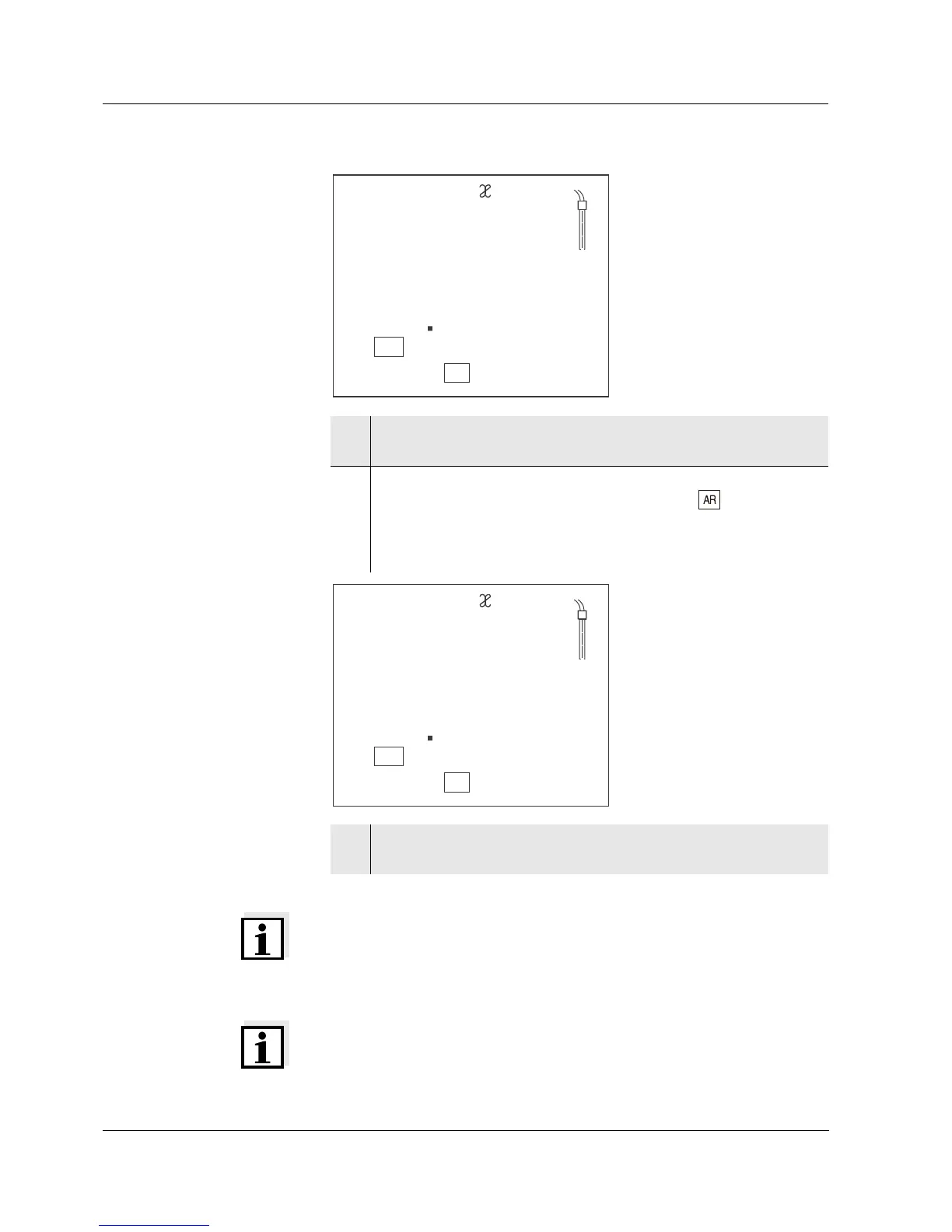
3 Immerse the measuring cell in the control standard solution,
0.01 mol/l KCI.
4 Start the calibration with <ENTER>. The determination of the
cell constant with stability control starts. The display
indicator flashes until there is a stable signal.
The cell constant determined is displayed. The meter
automatically stores the cell constant.
5 Switch to the measuring mode with <ENTER>.
The determined cell constant is used.



 To Next Page