Cond 3110 Operation
29
ba75792e02 11/2008
4.6 Reset
4.6.1 Resetting the cell constant
This function serves to erase the last determined cell constant.
Subsequently, the meter uses the last manually set cell constant in the
range 0.800 ... 0.880 cm
-1
or the fixed cell constant, 0.475 cm
-1
.
Based on the last erased cell constant the meter decides to which of
the two manually set cell constants the cell constant is reset.
If the erased cell constant was in the calibration range 0.450 ...
0.500 cm
-1
, the fixed cell constant 0.475 cm
-1
is used.
If the erased cell constant was in the calibration range 0.800 ...
0.880 cm
-1
, the adjusted cell constant from the range 0.800 ...
0.880 cm
-1
is used.
All other meter settings are retained.
Note
The measuring system is possibly not calibrated after a reset. Before
measuring, make sure the meter uses the cell constant suitable for the
measuring cell.
Resetting the cell
constant
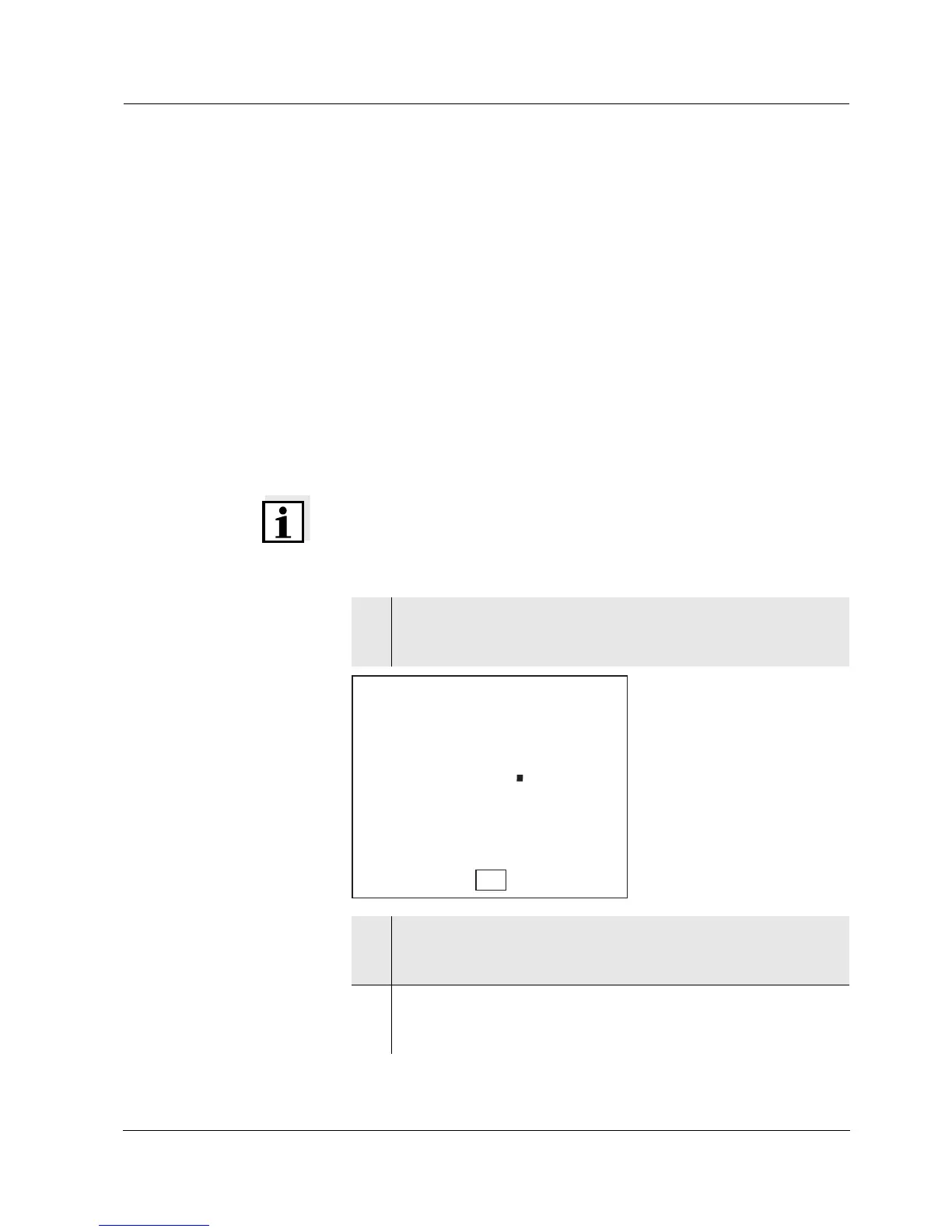
1 Press <On/Off_> to open the menu for the reset of the cell
constant.
Ini.C is displayed.
2 Press <▲><▼> to display no or YES.
YES: Reset the cell constant.
no: Retain the cell constant.
3 Confirm with <ENTER>.
The menu is finished.
The meter switches to the measuring mode.


 To Next Page