Operation Cond 3110
28
ba75792e02 11/2008
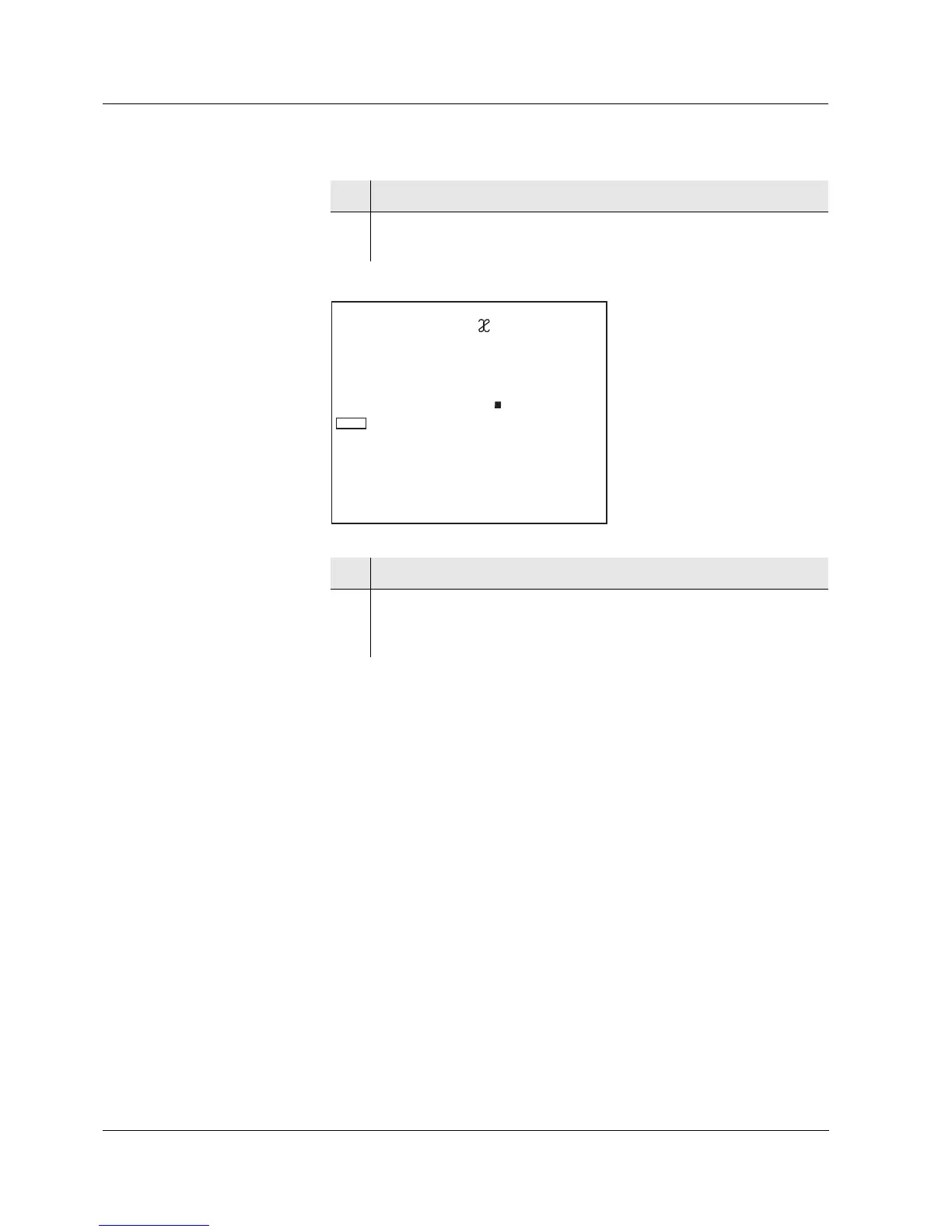
Cleaning interval (Int.C)
4 Using <▲><▼>, toggle between °C and °F.
5 Confirm with <ENTER>.
Int.C, the setting of the cleaning interval is displayed.
6 Set the interval with <▲><▼>.
7 Confirm with <ENTER>.
The measurement settings are completed.
The meter switches to the measuring mode.


 To Next Page