pH 7110 Operation
ba75925e01 07/2011 13
4Operation
4.1 General operating principles
This section contains basic information on the operation of the pH 7110.
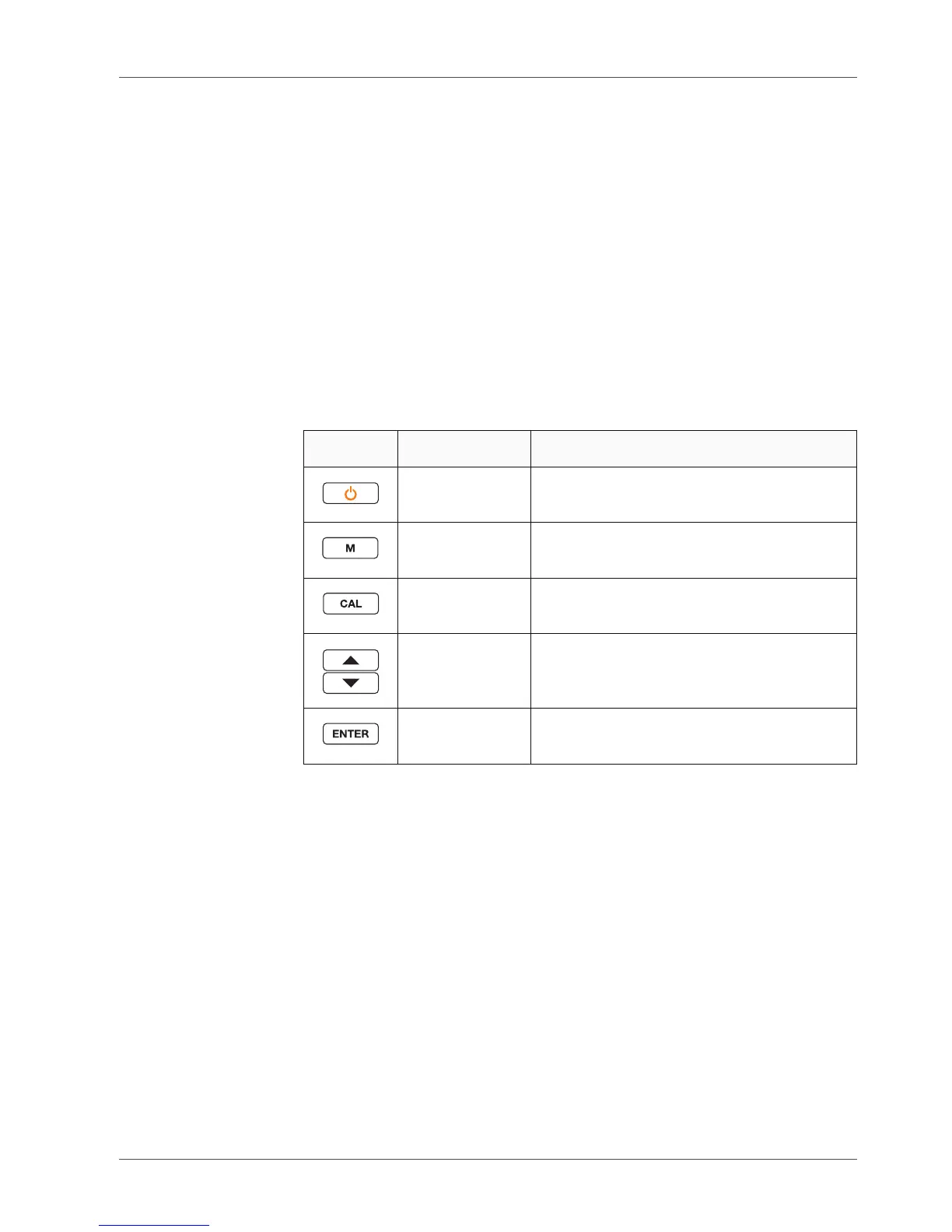
4.1.1 Keypad
In this operating manual, keys are indicated by brackets <..> .
The key symbol (e.g. <ENTER>) generally indicates a short keystroke (under
2 sec) in this operating manual. A long keystroke (approx. 2 sec) is indicated
by the underscore behind the key symbol (e.g. <ENTER__>).
Key Symbol Meaning
<On/Off>
<On/Off__>
Switches the meter on or off
Resets calibration data
<M>
<M__>
Selects the measured parameter
Opens the measurement settings
<CAL>
<CAL__>
Calls up the calibration procedure
Displays the calibration data
<><>
<__><__>
Increments, decrements values
Increments, decrements values continu-
ously
<ENTER>
<ENTER__>
Confirms entries
Opens the menu for system settings



 To Next Page