If you do not initially see your matrix being
connected, click on the SEARCH button
a. If it is recognized, it may show up as the default Matrix
8:8 setting rather than MX-0404-PP
Select the matrix and click on SET-UP. From here
you can change settings on the network card
- Network: Enable DHCP to set a static IP, etc.
Sockets: Drivers are built around the use of Port 23. If
you see that the Port is set to 1984, change to Port 23
ADVANCED OPERATION
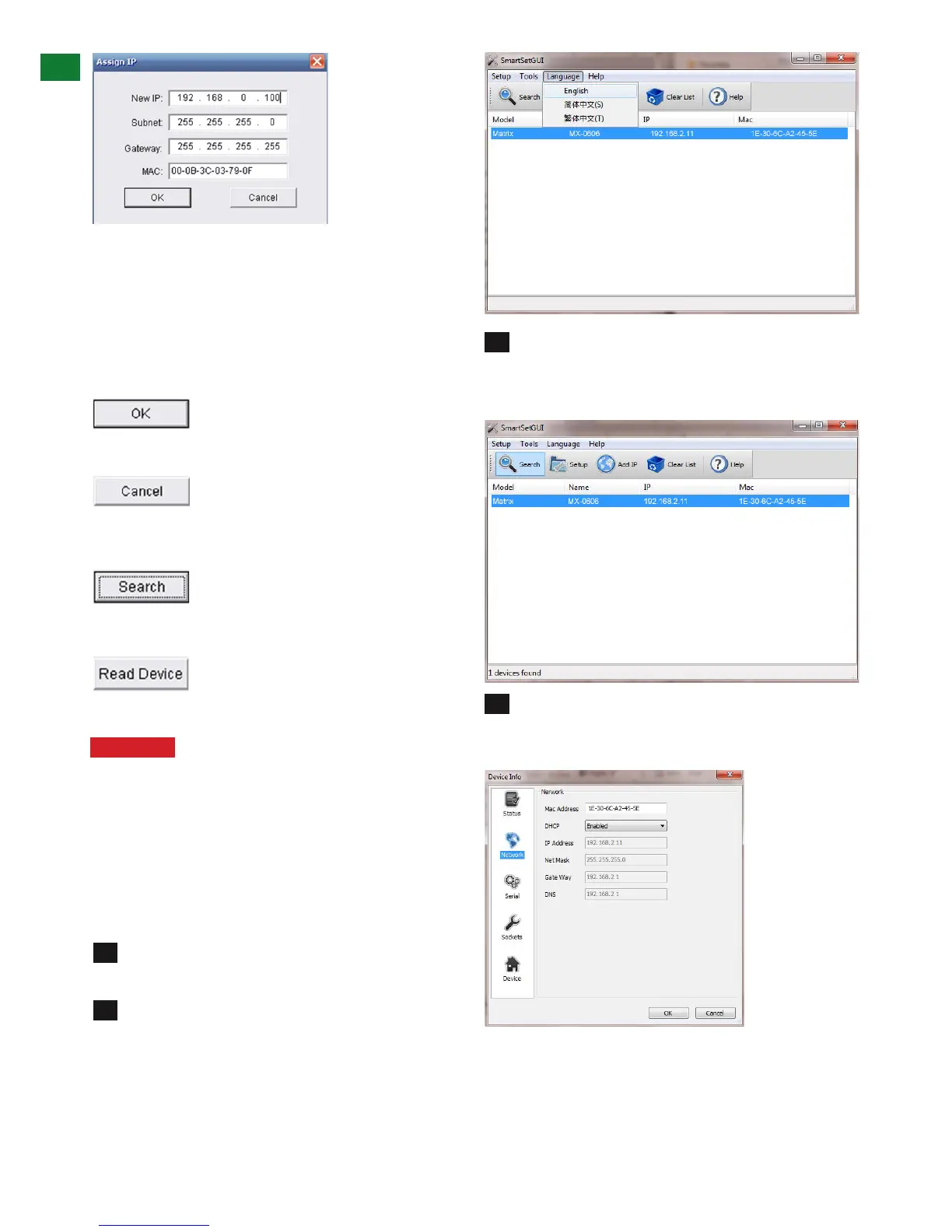
Assign IP
If ‘Assign IP’ is displayed in the dialog box, the matrix
has encountered a problem detecting an IP address and
manual input of information is required.
In such instances, double click ‘Assign IP’ or
right click and choose Assign IP from the dropdown
menu to add details as required.
Click
to assign the new IP address to the system and you will
return to the previous screen or
to return without changes taking effect.
Now click
for the Matrix to detect the new IP address, which will
appear in the dialog box. Finally click
to confirm IP settings
Attention This ‘Assign IP’ process differs from the
COM CTL ‘IP Set’ function.
‘Set IP’ in COMCTL saves/reads the IP address
in flash and sets it as static IP. ‘Assign IP’ is only
used when the system fails to obtain an IP address
automatically and is NOT saved in flash.
b. WyreStorm SmartSet (matrix model ver. 2.0, 3.0,
3.0L)
Unzip the file WS IP Device Scanner ( NEW LAN
BOARD) and double click on the SmartSetGui application
Initially the document is in Chinese. To change this,
click on the characters on the top of the tool bar with a (L)
next to it, and select English from the menu options.
You may have to exit and re-enter the application for the
change to take effect.
1
2
3
4













 To Next Page