Installation
975-0136-01-01 17
For more information on the different system modes (Operate, Power
Save, and Hibernate), see “System Modes” on page 20.
5. Press Enter.
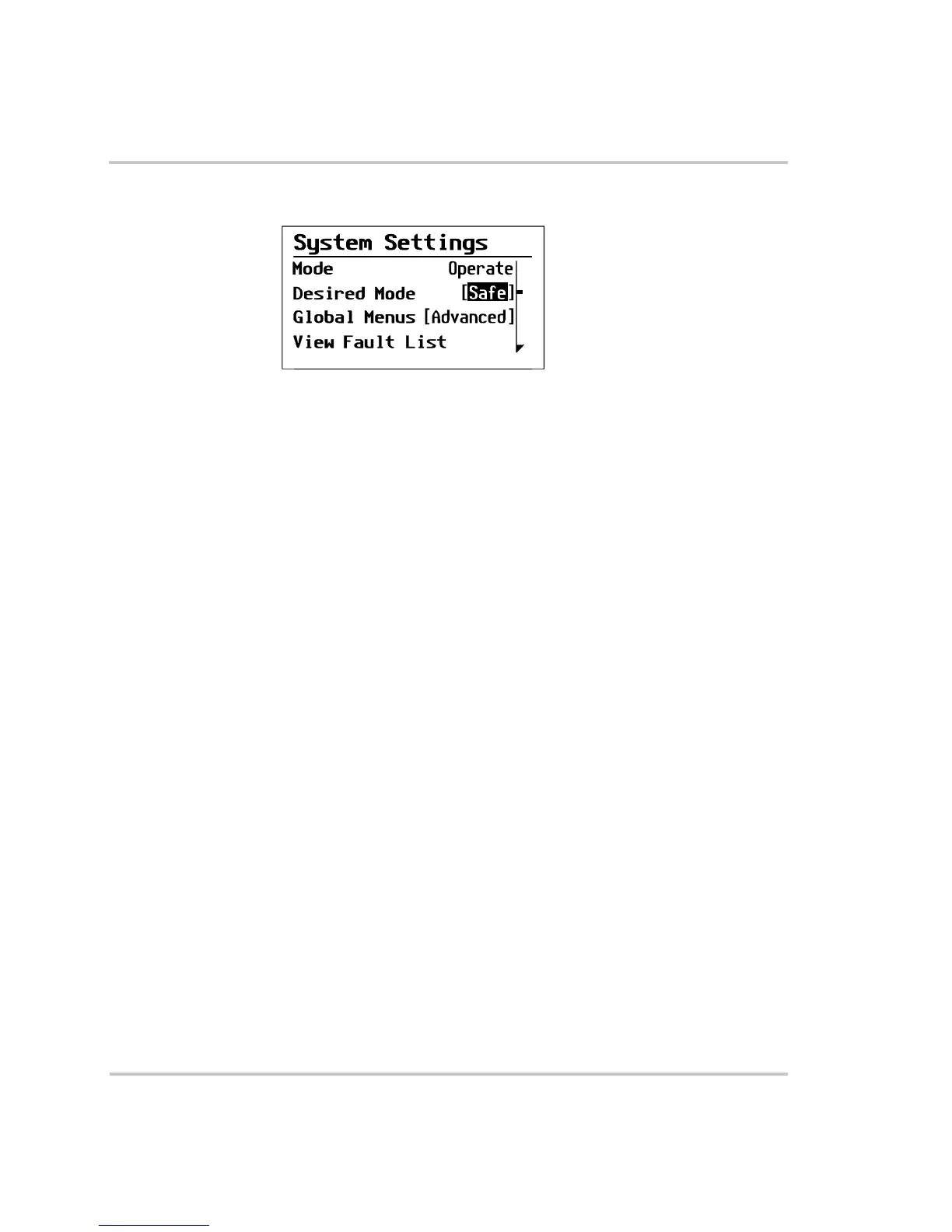
You are now in Safe mode.
6. Press Exit twice to return to the System Home screen.
To exit Safe mode:
1. On the System settings menu, with Desired Mode highlighted, press
Enter.
2. Use the down arrow button to select your desired system mode.
3. Press Enter.
Figure 12
Safe Mode



 To Next Page
 Loading...