4. SETTING UP THE PHONE
When the phone is powered up for the first time, you need to select the
language, accept the agreement, sign in to Skype, or create a new
Skype account.
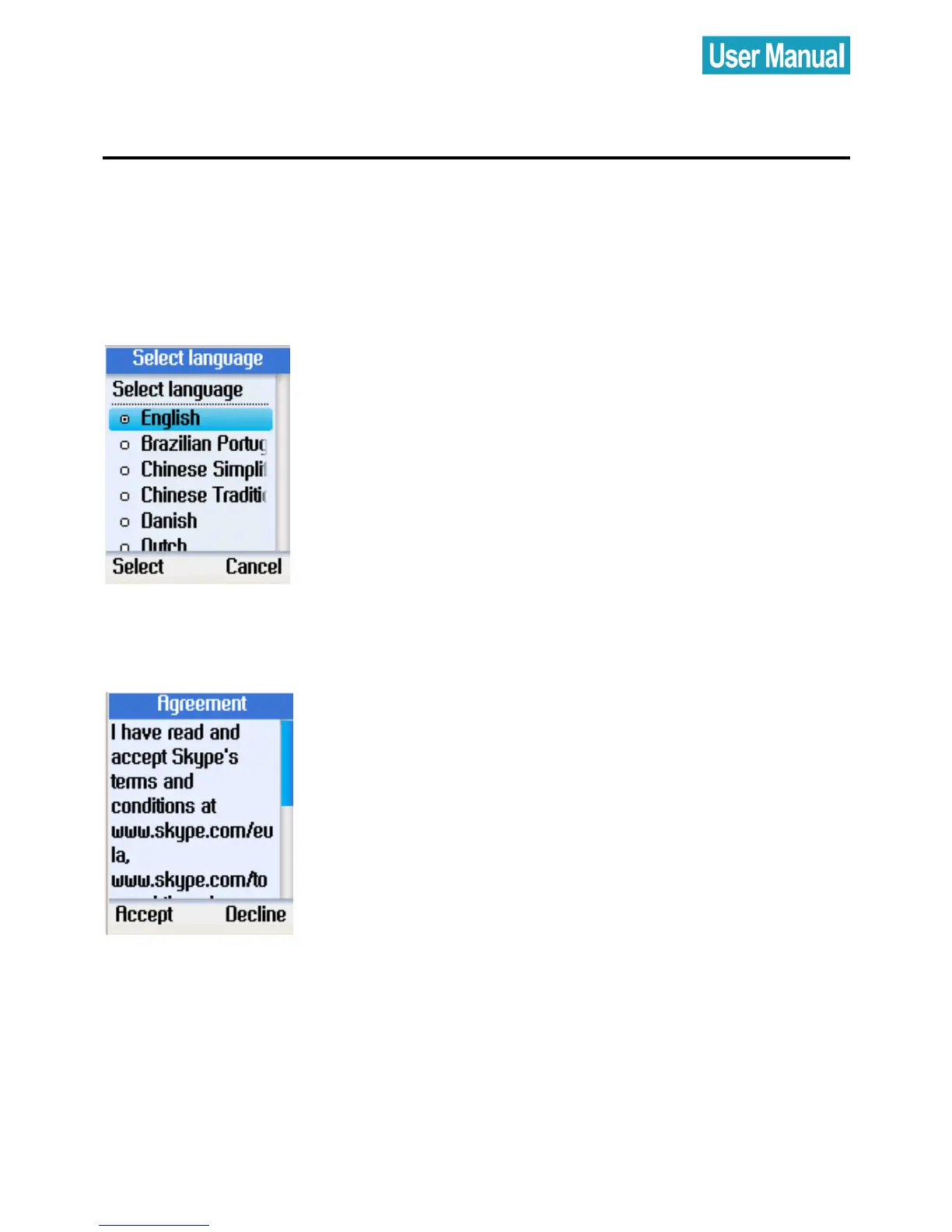
Select Language
Press the navigation button up or down to
select the language of the user interface.
Press the left soft button to select.
Accept Agreement
Press the navigation button down to read
the agreement.
Press the left soft button to accept.



 To Next Page
 Loading...


