Privacy
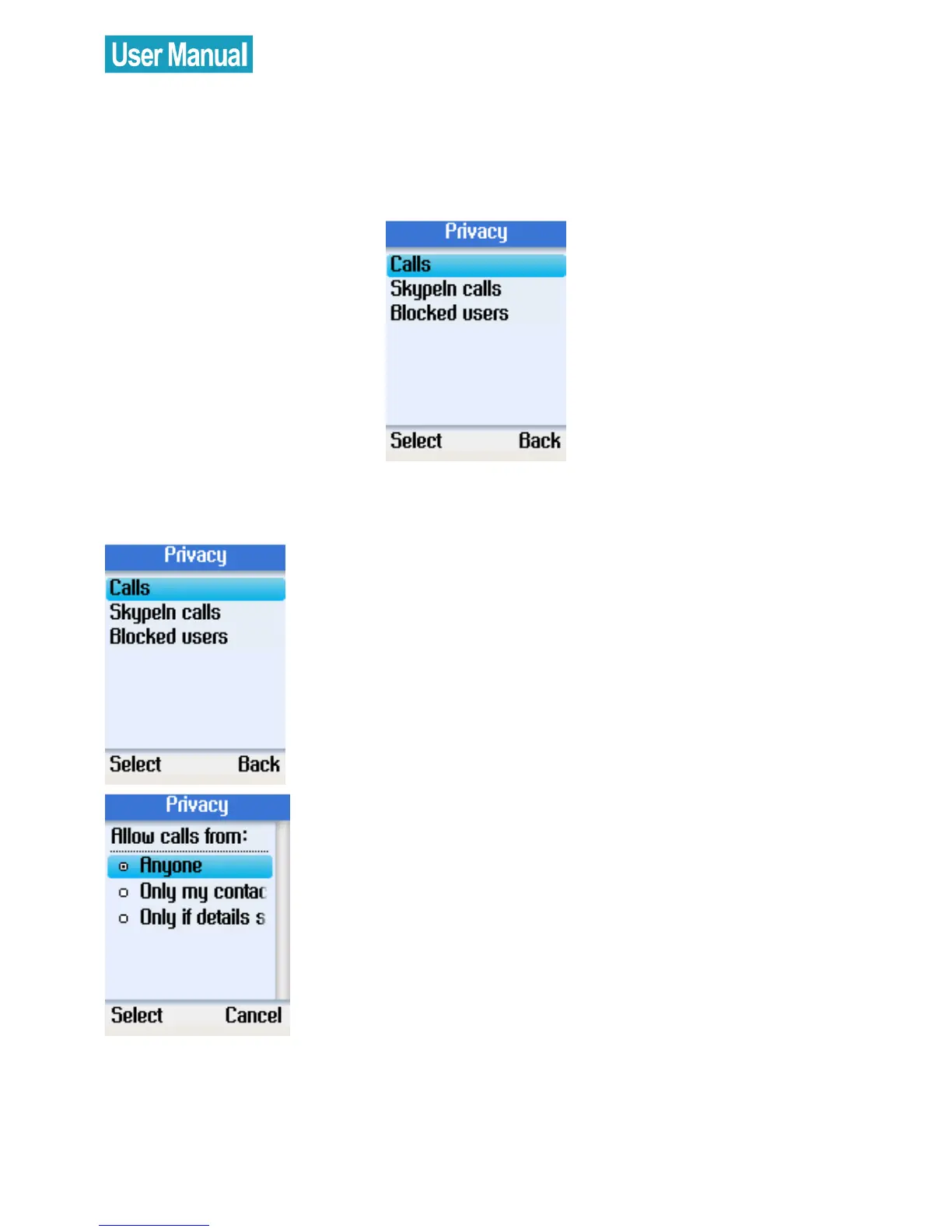
In the Privacy menu, you can configure privacy settings for calls,
SkypeIn calls, and blocked users.
Set Allowed Calls
Use the navigation button to select Calls.
Press the left soft button to continue.
Select allow calls from anyone, only
contacts on your list, or specified
contacts.
Press the left soft button to confirm.



 To Next Page
 Loading...


