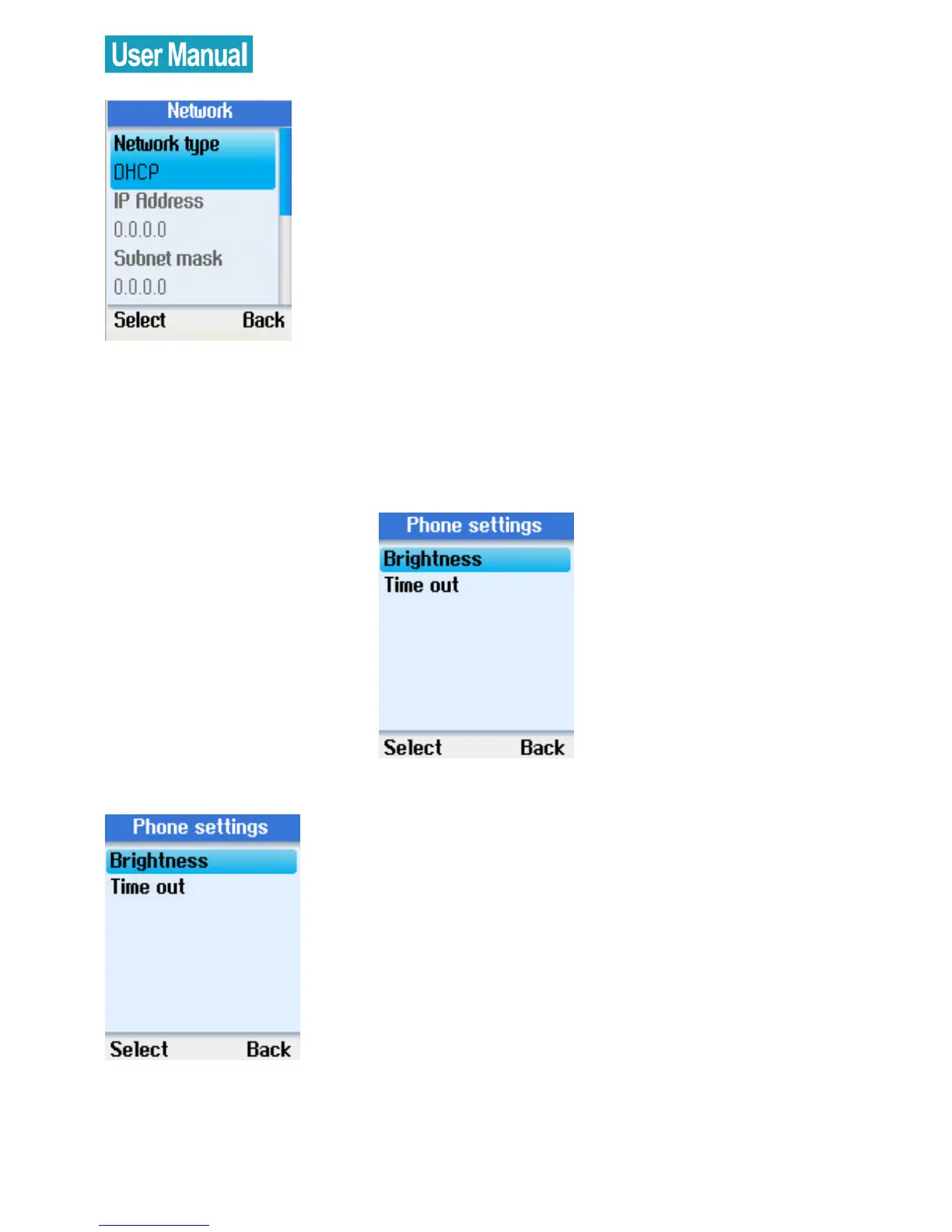
Unless you are using DHCP, you must
enter your IP address, subnet mask,
gateway, primary and secondary DNS
addresses.
Phone Settings
In the Phone settings menu, you can configure the brightness of the
phone display screen, and screen timeout settings.
Brightness
Use the navigation button to select
Brightness.
Press the left soft button to continue.



 To Next Page
 Loading...


