8. HISTORY
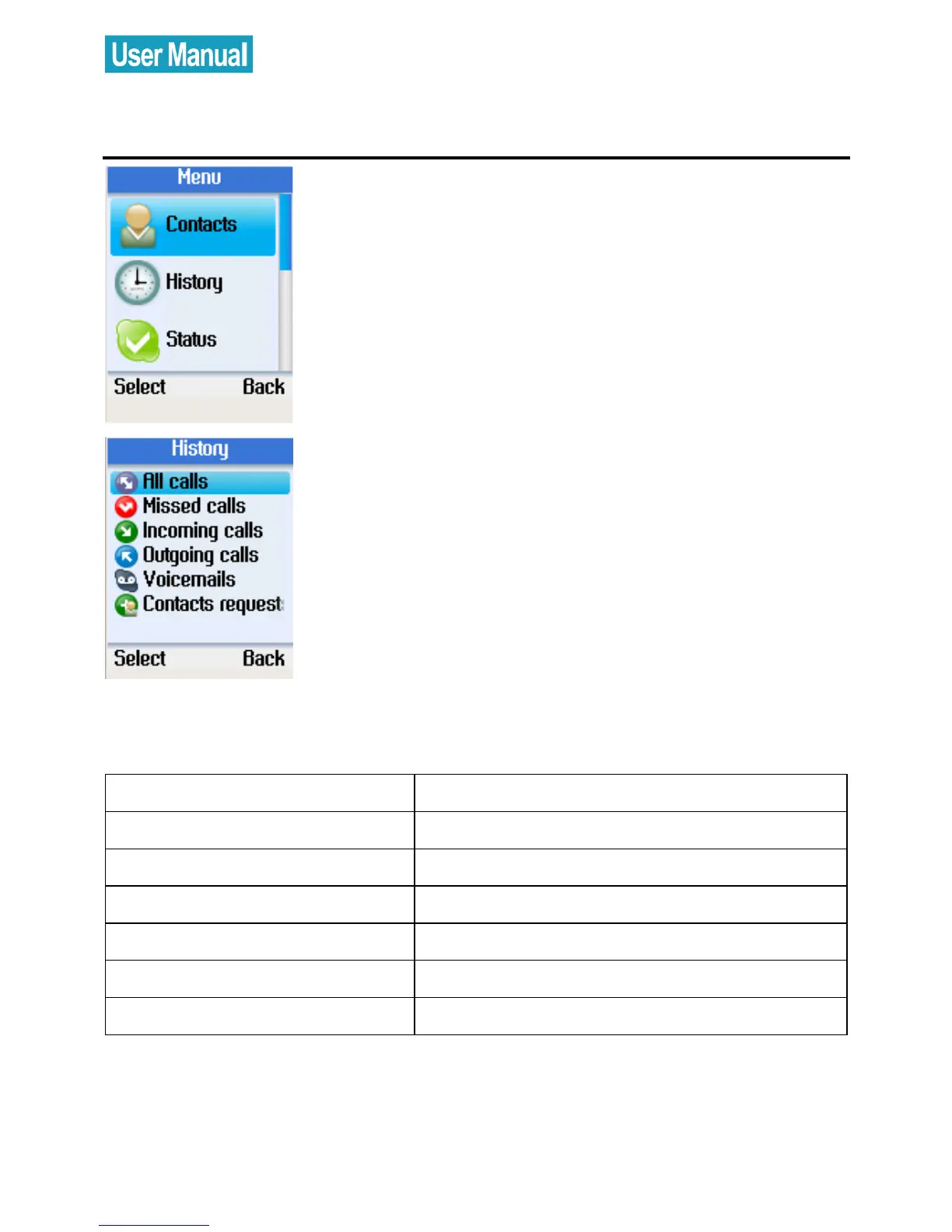
Press the left soft button to enter the
Menu.
Use the navigation button to select
History.
Press the left soft button to enter the
History menu.
Use the navigation button to select an
option, and then press the left soft button
to select.
The following options are available in the History menu.
Option Description
All calls View all calls
Missed calls View missed calls
Incoming calls View incoming calls
Outgoing calls View outgoing calls
Voicemails View voicemails
Contacts request View contacts request



 To Next Page
 Loading...


