Block/ Unblock a Contact
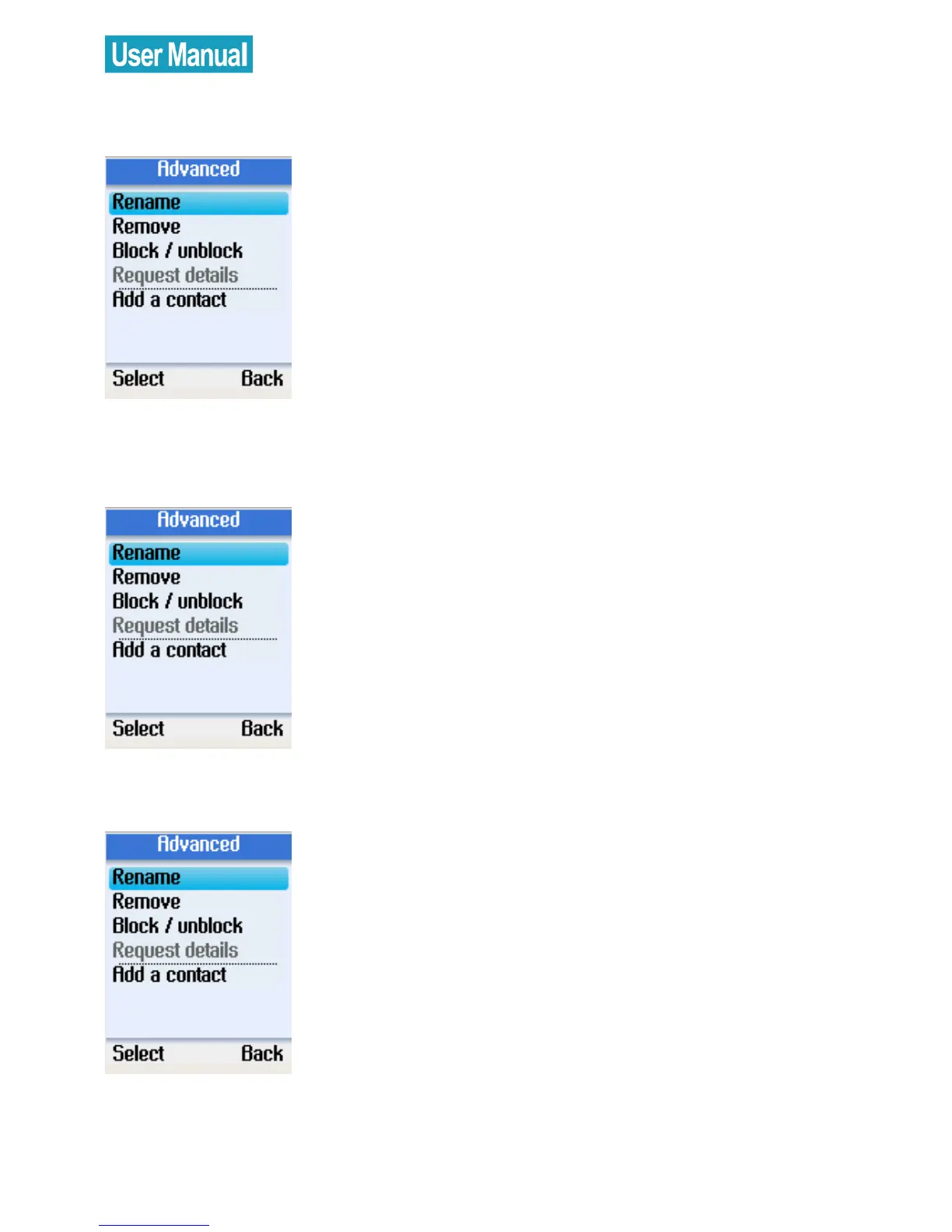
Use the navigation button to select
Block/ unblock in Advanced options.
Press the left soft button to continue.
You can select to block or unblock the
selected contact.
Request Contact Details
Use the navigation button to select
Request details in Advanced options.
Press the left soft button to continue.
You can select a contact and send a
text message as a request to the user to
view his/her status or profile.
Add a Contact
Use the navigation button to select Add
a contact in Advanced options
Press the left soft button to continue.



 To Next Page
 Loading...


