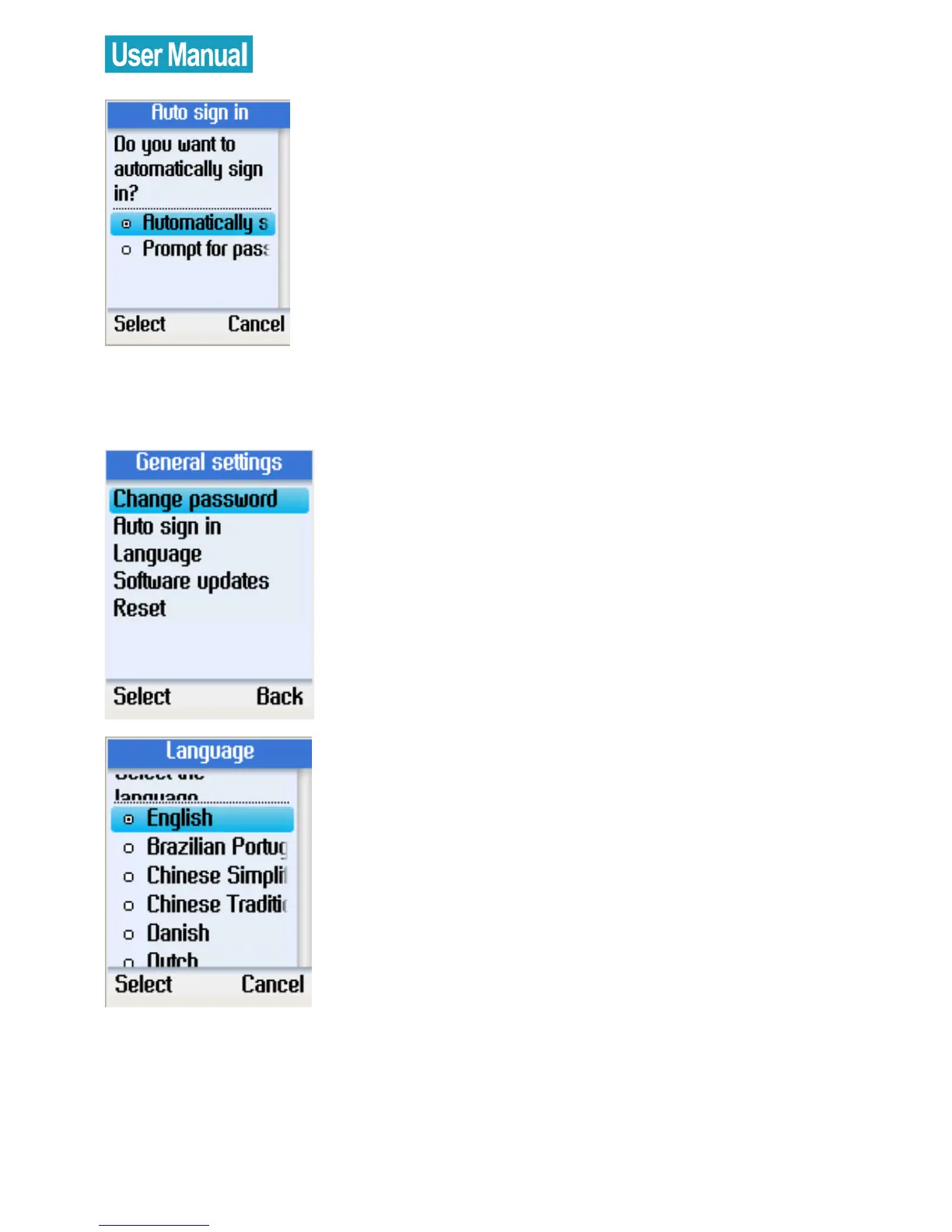
Select automatic sign in or prompt for
password.
Press the left soft button to confirm.
Language
Use the navigation button to select
Language.
Press the left soft button to continue.
Use the navigation button to select the
language you require.
Press the left soft button to confirm.


 To Next Page
 Loading...



