Advanced Options
The advanced options menu enables you to rename, remove,
block/unblock, or add a contact.
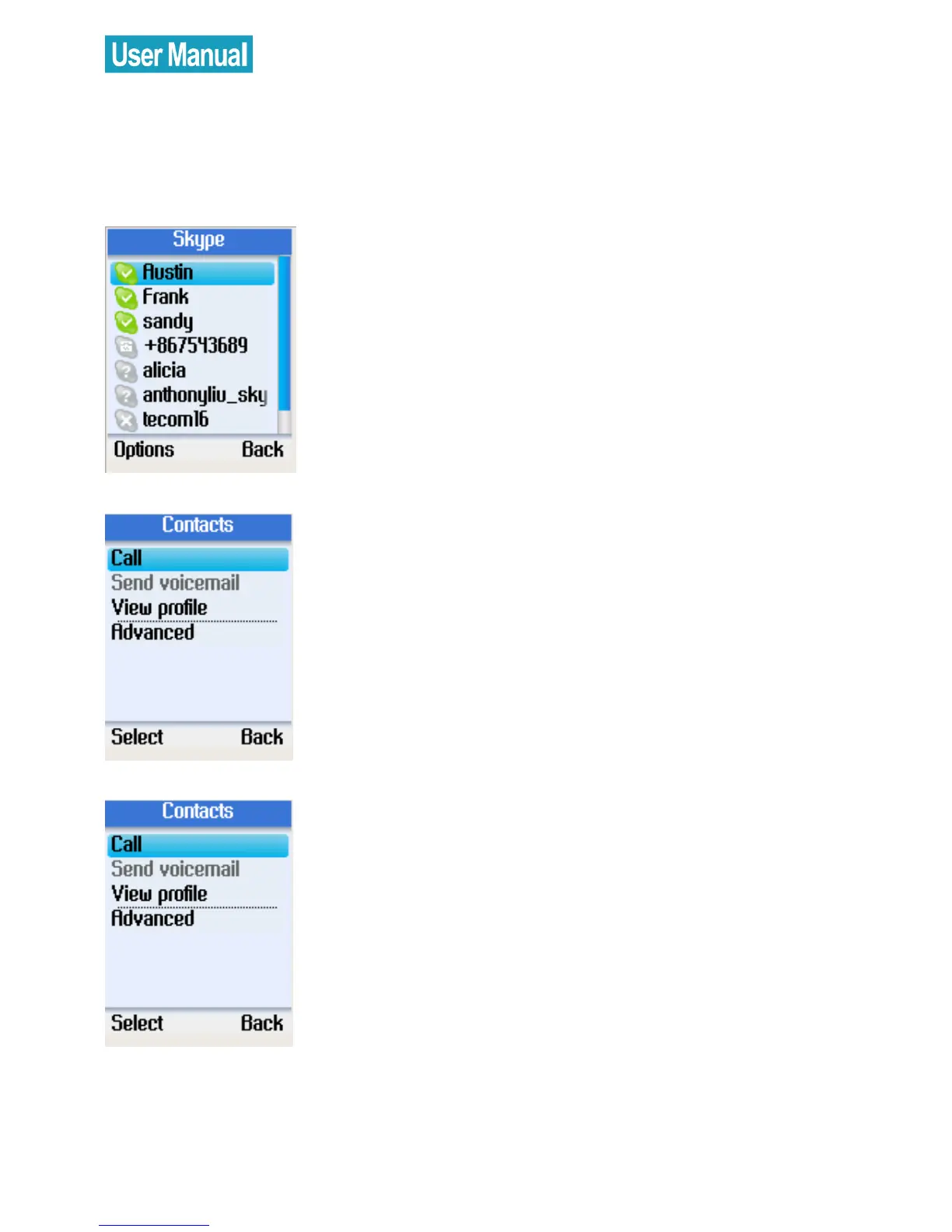
Go to Contacts, use the navigation
button to select a contact to view.
Press the left soft button to select Options.
Use the navigation button to select
Advanced.
Press the left soft button to continue.
Use the navigation button to select
Advanced.
Press the left soft button to continue.


 To Next Page
 Loading...



