Switch User
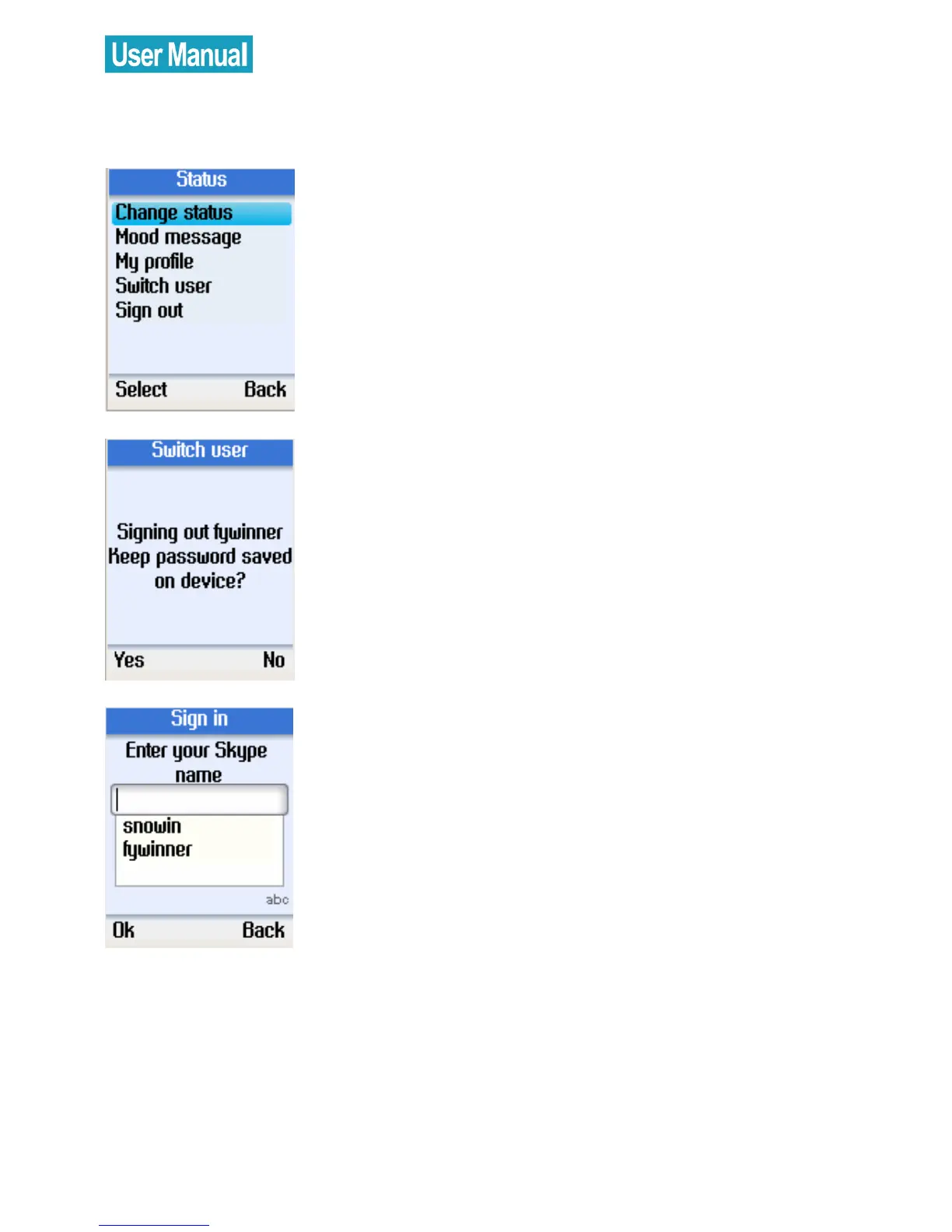
Use the navigation button to select
Switch user.
Press the left soft button to continue.
Press the left soft button to save your
password on the device or the right soft
button not to save.
After signing out, enter a new Skype
user name or use the navigation button
to select an existing user on the list.
Press the left soft button to sign in.


 To Next Page
 Loading...



