Time and Date
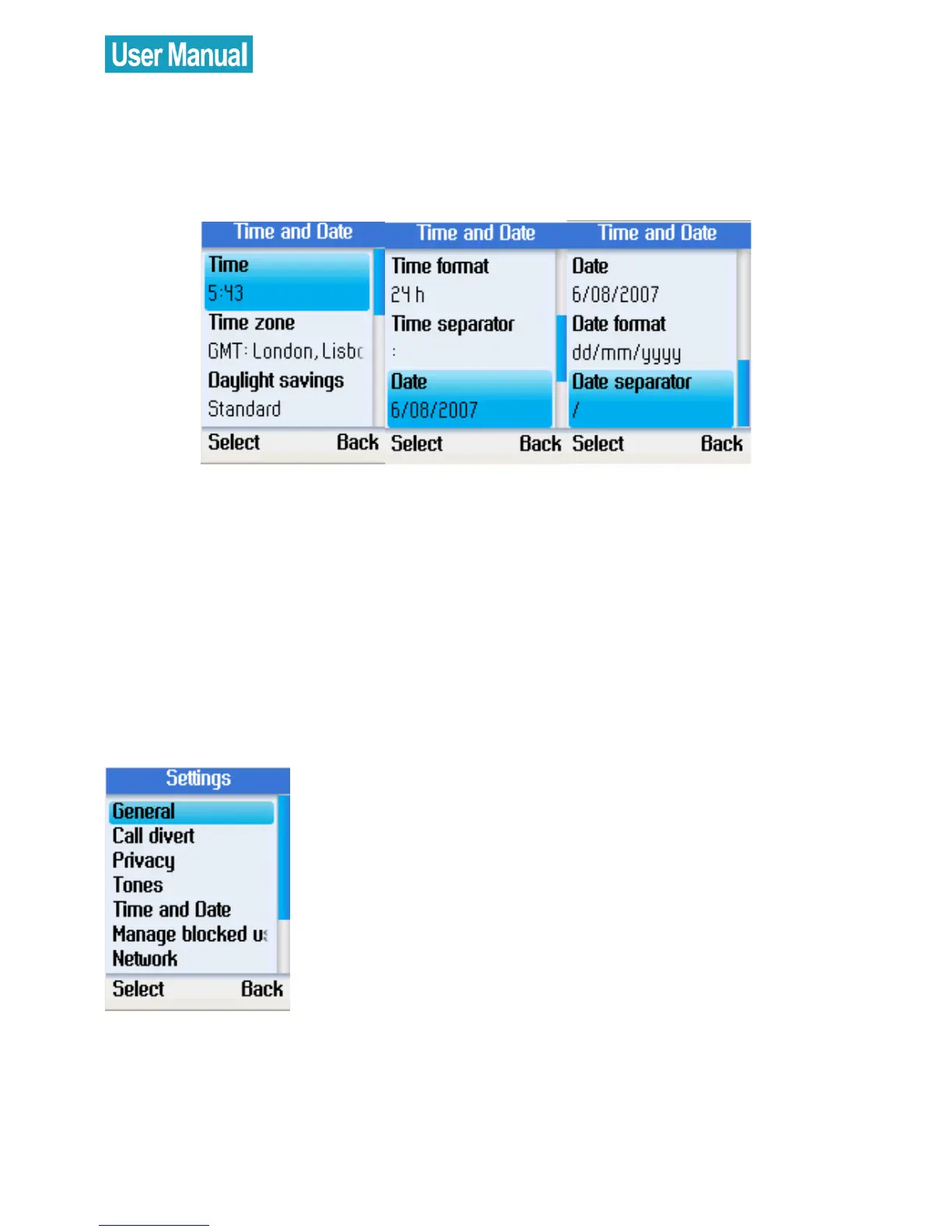
In the Time and Date menu, you can configure time, date, and time
zone.
Select Time and Date in the Settings menu.
Use the navigation button to select time, time zone,
daylight savings, time format, time separator, date, date
format, and date separator.
Press the left soft button to configure each setting.
Manage Blocked Users
Select Manage blocked users in the
Settings menu.
Press the left soft button to continue. You
can browse the information of the
blocked Skype contacts.


 To Next Page
 Loading...



