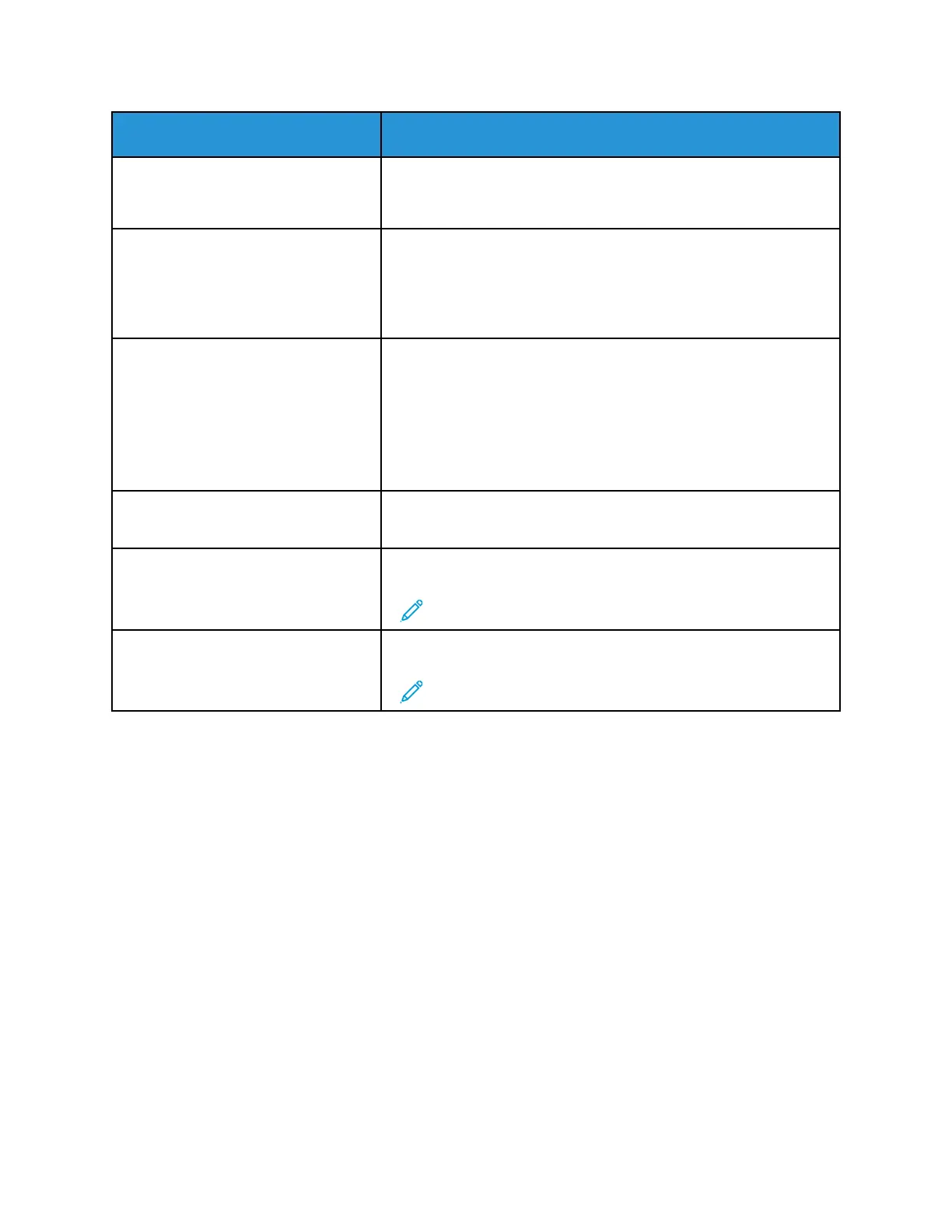
Menu item
Description
• Text/Photo*
• Photo
• Graphics
Color
• Black and White
• Gray
• Color*
• Auto
Specify the color when scanning an image.
Resolution
• 75 dpi
• 150 dpi*
• 200 dpi
• 300 dpi
• 400 dpi
• 600 dpi
Set the resolution of the scanned image.
Darkness
1–9 (5*)
Adjust the darkness of the scanned image.
Orientation
• Portrait*
• Landscape
Specify the orientation of the original document.
Note: This menu item appears only in some printer models.
Original Size
[List of paper sizes]
Set the paper size of the original document.
Note: Mixed Sizes is the factory default setting.
Xerox
®
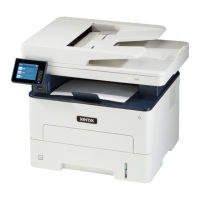
B225/B235 Multifunction Printer
User Guide
151
Use printer menus


 To Next Page