Print quality problems
Find the image that resembles the print quality problem you are having, and then click the link below
it to read problem-solving steps.
• Blank or White Pages
• Dark Print
• Fine lines are not printed correctly
• Folded or wrinkled paper
• Gray Background
• Horizontal light bands
• Incorrect margins
• Light print
• Mottled print and dots
• Paper curl
• Print crooked or skewed
• Repeating defects
• Solid black pages
• Text or images cut off
• Toner easily rubs off
• Vertical dark bands
• Vertical dark lines or streaks
• Vertical dark streaks with print missing
• Vertical white lines
• Vertical light bands
202
Xerox
®
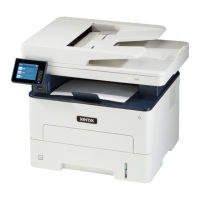
B225/B235 Multifunction Printer
User Guide
Troubleshoot a problem


 To Next Page