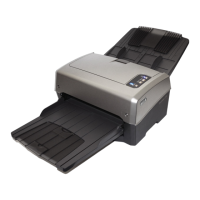
Xerox
®
DocuMate
®
4760
User’s Guide
114
•If you select When the number of images reaches, and input a number in the control box, any blank pages
will be discarded first, and then the number of images scanned will be counted. For example, if you scan 12
pages and 3 are blank, the total number of images counted for the job separation will be 9 not 12.

 To Next Page
 Loading...