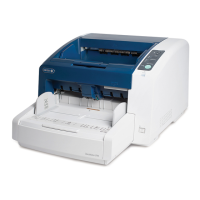
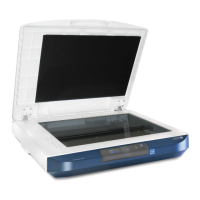
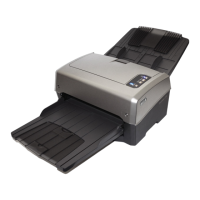
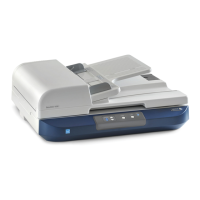
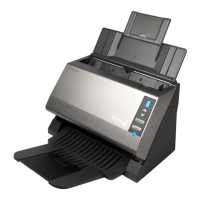
Xerox DocuMate 4790 and 4799
TWAIN Features Guide
7
5. On the Main Menu, select Install Products.
6. Leave the default selections and click Install Now.
You cannot deselect the scanner driver as it is required for the scanner to work.
Note: install and use the Xerox User Utility to keep track of hardware maintenance, monitor scanner status, and
see information about any scanner errors and instructions on how to resolve them.


 To Next Page
 Loading...