P
RINTING
T
ASKS
4.15
4
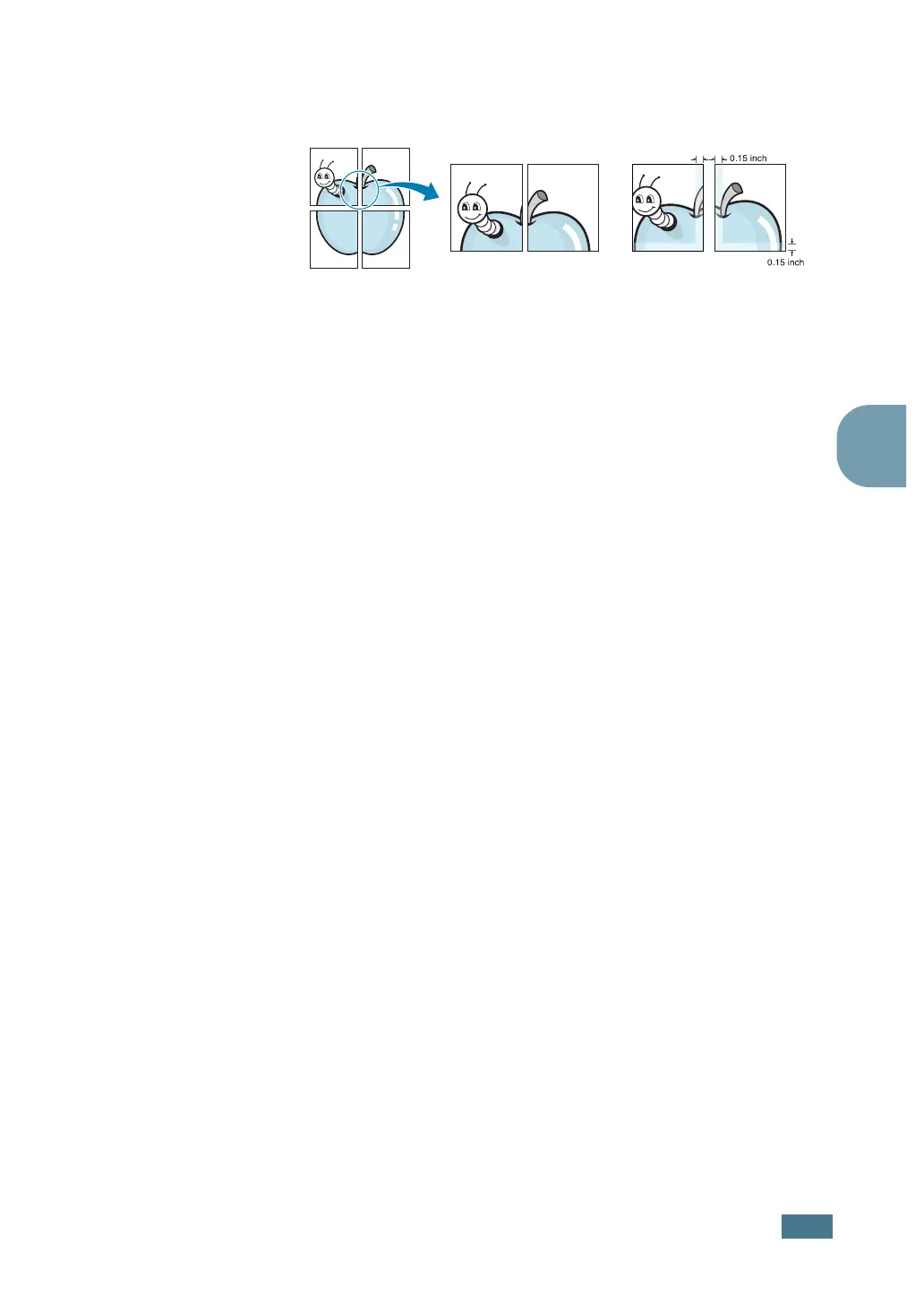
Specify an overlap in millimeter or inch to make it easier to
reconstruct the resulting poster.
4
Click the Paper tab, select the paper source, size and type.
5
Click OK and print the document. You can complete the
poster by reconstructing the results.









 To Next Page