9-2 Xerox Internal Use Only Phaser 6700 Printer Service Manual
Serial Number Format
Changes to Xerox products are made to accommodate improved components as
they become available. When ordering parts, include this information:
• Component's part number
• Product type or model number
• Serial Number of the printer
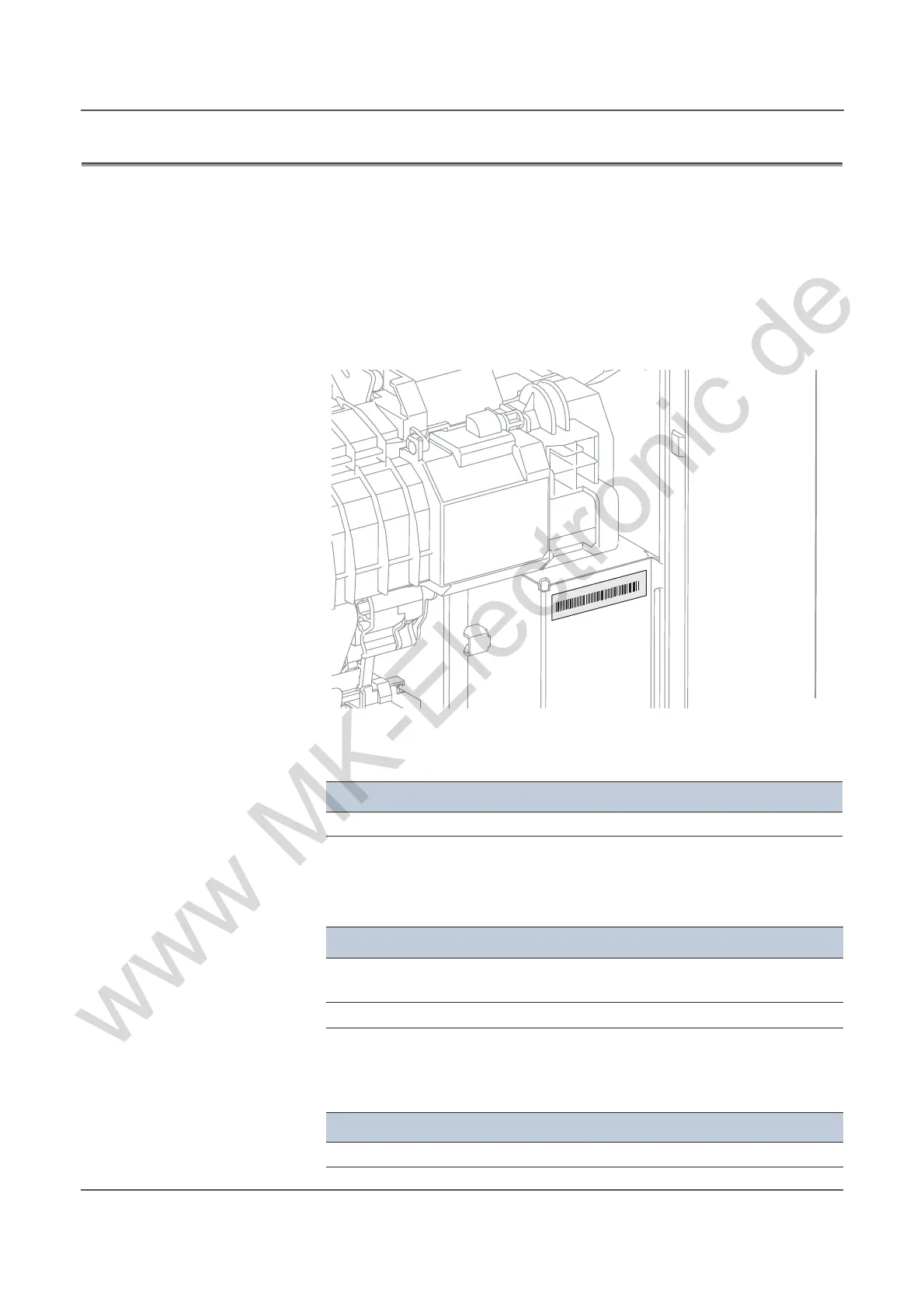
The serial number is located on the chassis near the Fuser. Open the Right Door to
view the serial number label. Serial number format is dependent on input voltage.
For 110V models, a nine-digit serial number uses this format PPPSSSSSS.
• PPP = Three-digit alphanumeric product code
• SSSSSS = Six-digit numeric serial number based on the following table. The
serial numbers are reset only when the ending number is reached or when the
revision number is rolled.
For 220V models, a ten-digit serial number uses this format MMMSSSSSSc.
• MMM = Three digit alphanumeric manufacturing location code
Product Code Product
AB9 6700, 110 V Engine
Product
Starting Serial Number Ending Serial Number
6700_N, 110V Engine
6700_DN, 110V Engine
770502 860000
6700_YDN, 110V Engine 573501 673500
Product Code Product Location
AC0 6700V, 220 V Engine 317
MANUFACTURED: July 2011
Xerox S/N: TBD330001



 To Next Page
 Loading...













