NetDisk User Manual Network Direct Attached Storage / NDAS
—————————————————————————————————————————————
•
Registration is completed.
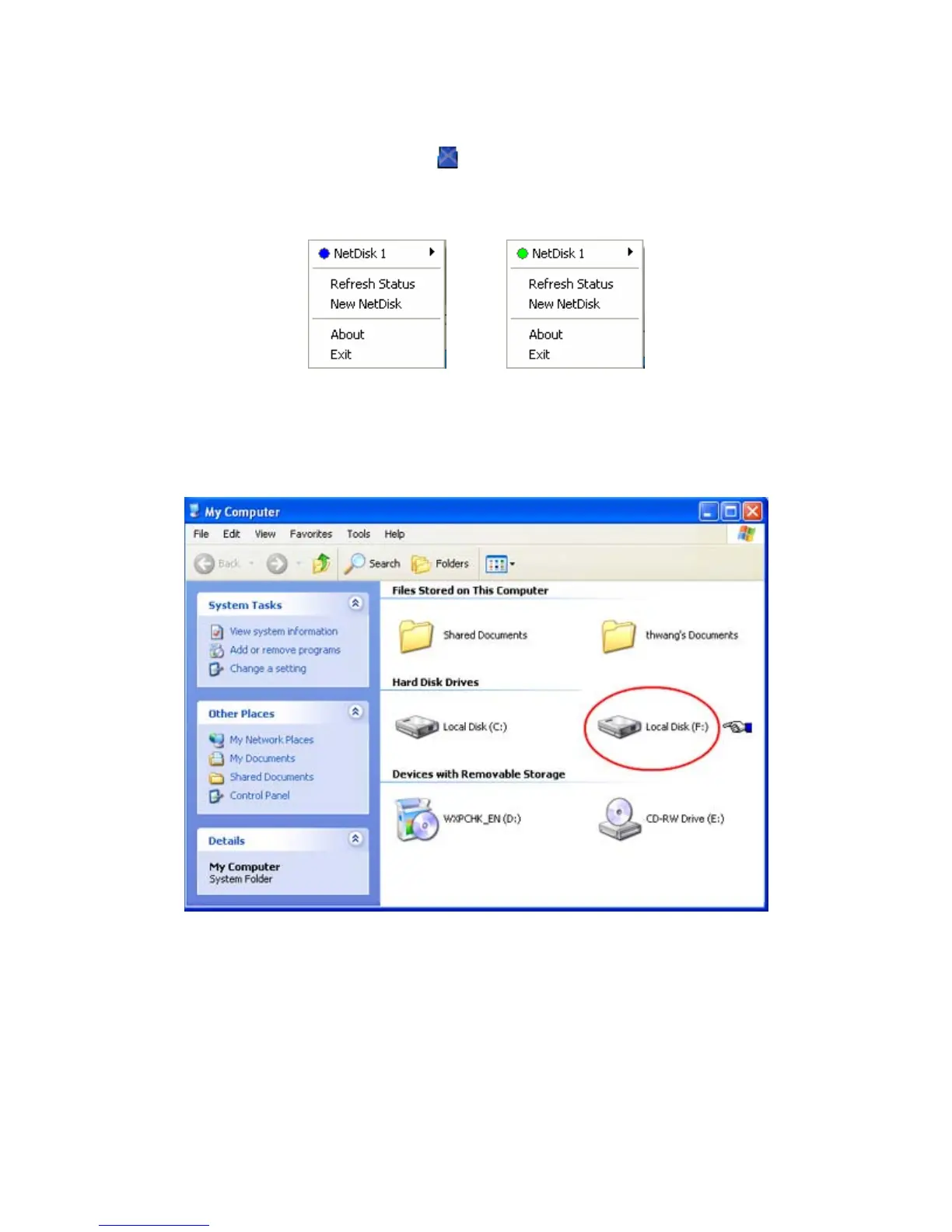
Click NetDisk™ Administrator Tool
to see the registered NetDisk.
-
Read/Write Mode Read Only Mode
Using NetDisk
Now that you have successfully installed NetDisk, it’s time to familiarize yourself on using the NetDisk.
NetDisk is located in My Computer as a local drive. Drive letter and NetDisk name may vary among pc.
Here are examples of uses for NetDisk.
• You can use NetDisk like a local drive on your PC.
• Drag and drop files to NetDisk.
• Copy and paste data to NetDisk.
• Make and delete folders.
• Share files and folders.
• Backup files to NetDisk.
www.XIMETA.de
—————————————————————————————————————————————
15



 To Next Page