NetDisk User Manual Network Direct Attached Storage / NDAS
—————————————————————————————————————————————
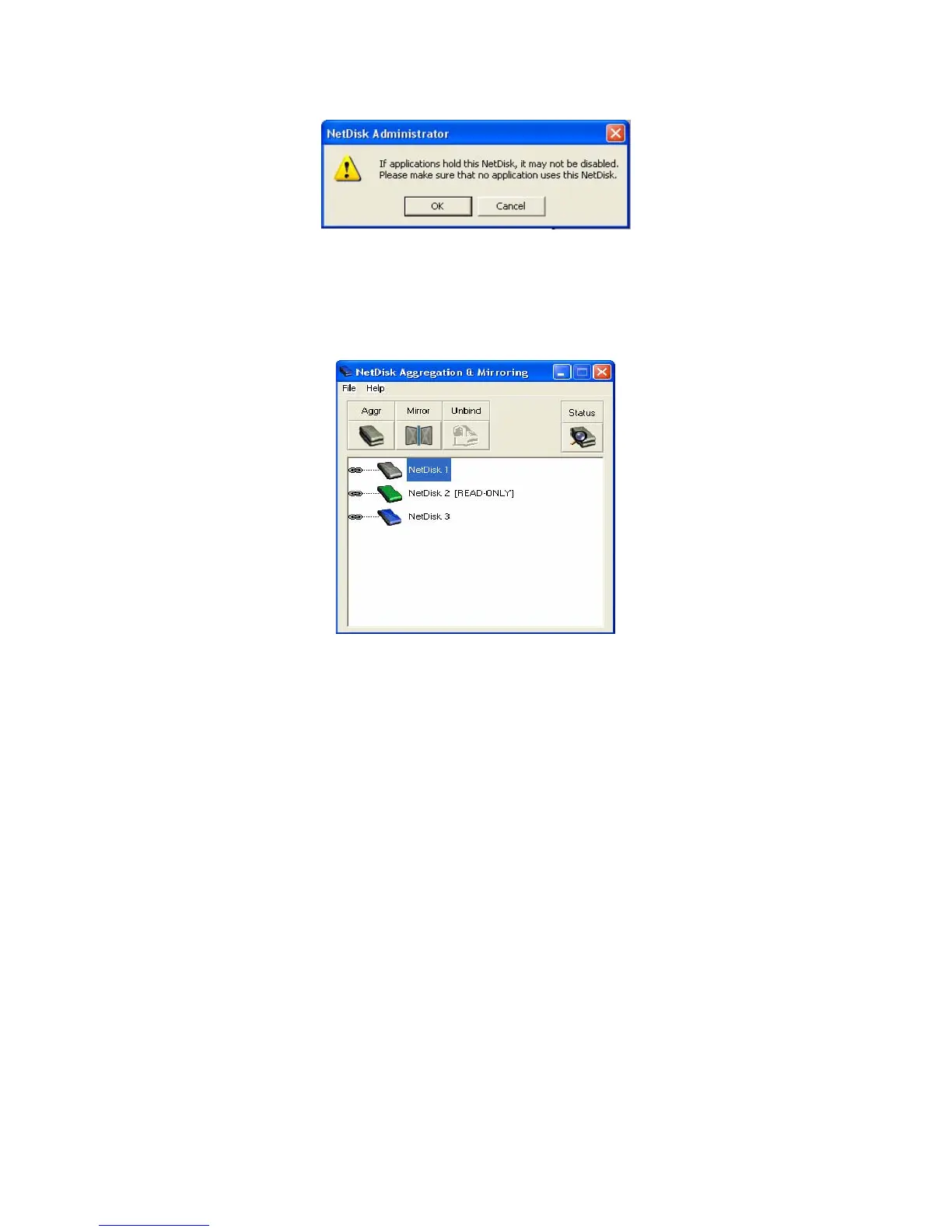
• Click OK if you want to disable the NetDisk. Otherwise, click Cancel.
If NetDisk Aggregation & Mirroring window is not opened, click Start > Program > NetDisk >
NetDisk Aggregation & Mirroring
•
- Wait few seconds for the changes to take place. If the color of the disabled NetDisk has not changed
to Gray, click Status. If the color still has not changed, repeat steps for every NetDisk that was not
disabled.
- Disabled NetDisk will be indicated by a Gray colored NetDisk.
- If you cannot disable or color of the circle is White, after several attempts, reboot your computer.
This may occur when unseen programs are using NetDisk.
- Once two NetDisk have been disabled, Aggregation / Binding and Mirroring can begin.
Repeat the above step for the second NetDisk you want to disable. •
•
Now that two NetDisk are disabled, you will be able to Aggregate / Bind and Mirror them.
www.XIMETA.de
—————————————————————————————————————————————
28



 To Next Page