NetDisk User Manual Network Direct Attached Storage / NDAS
—————————————————————————————————————————————
(1) Flip both dip switches down for NDAS Mode.
(2, 3) Connect NetDisk directly to your PC’s Ethernet Port using crossover CAT5 cable (not included).
(4) Make sure the power connector is connected firmly.
USB Mode
1
2
3
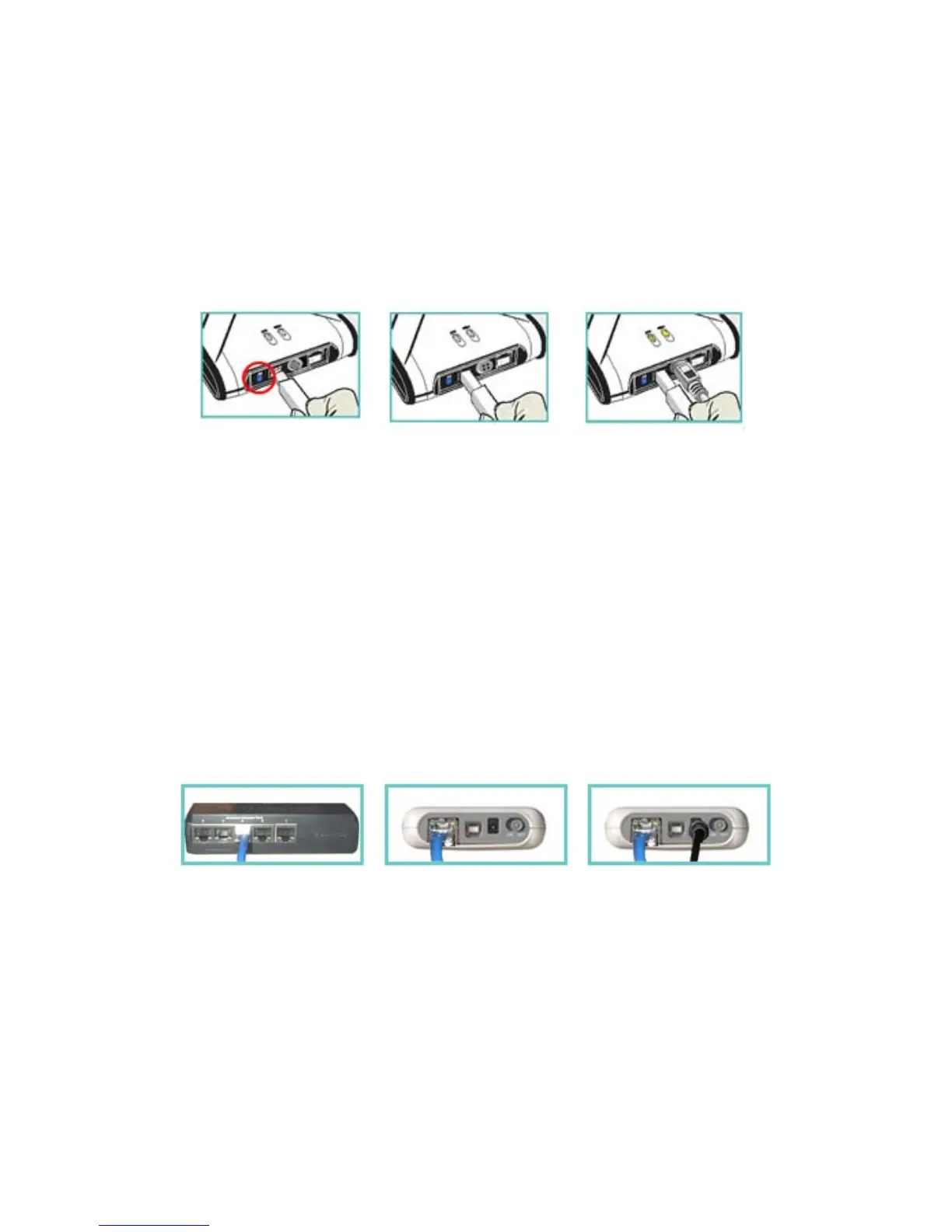
(1) Flip both dip switches up for USB Mode.
(2) Connect NetDisk directly to your PC’s USB Port using included USB cable.
(3) Make sure the power connector is connected firmly.
NetDisk Mini Cable Installation
• Turn on NetDisk Mini by sliding On/Off Switch to ON position.
NDAS Mode
1
2
3
(1, 2) Connect NetDisk Mini to a switch (100 Base-T) with included Ethernet cable (straight through).
Wireless users: Connect NetDisk Min to your wireless router or access point with included cable.
(3) Make sure the power connector is connected firmly.
www.XIMETA.de
—————————————————————————————————————————————
9



 To Next Page