Info Extras
XM
broadcasts information such
as
sports scores and stock quotes. This information
can
be
displayed at the
bottom
of
your XMp3 radio/s screen.
To
choose a sport
or
team:
1 Select menu
-+
Settings
-+
Info Extras
-+
Sports.
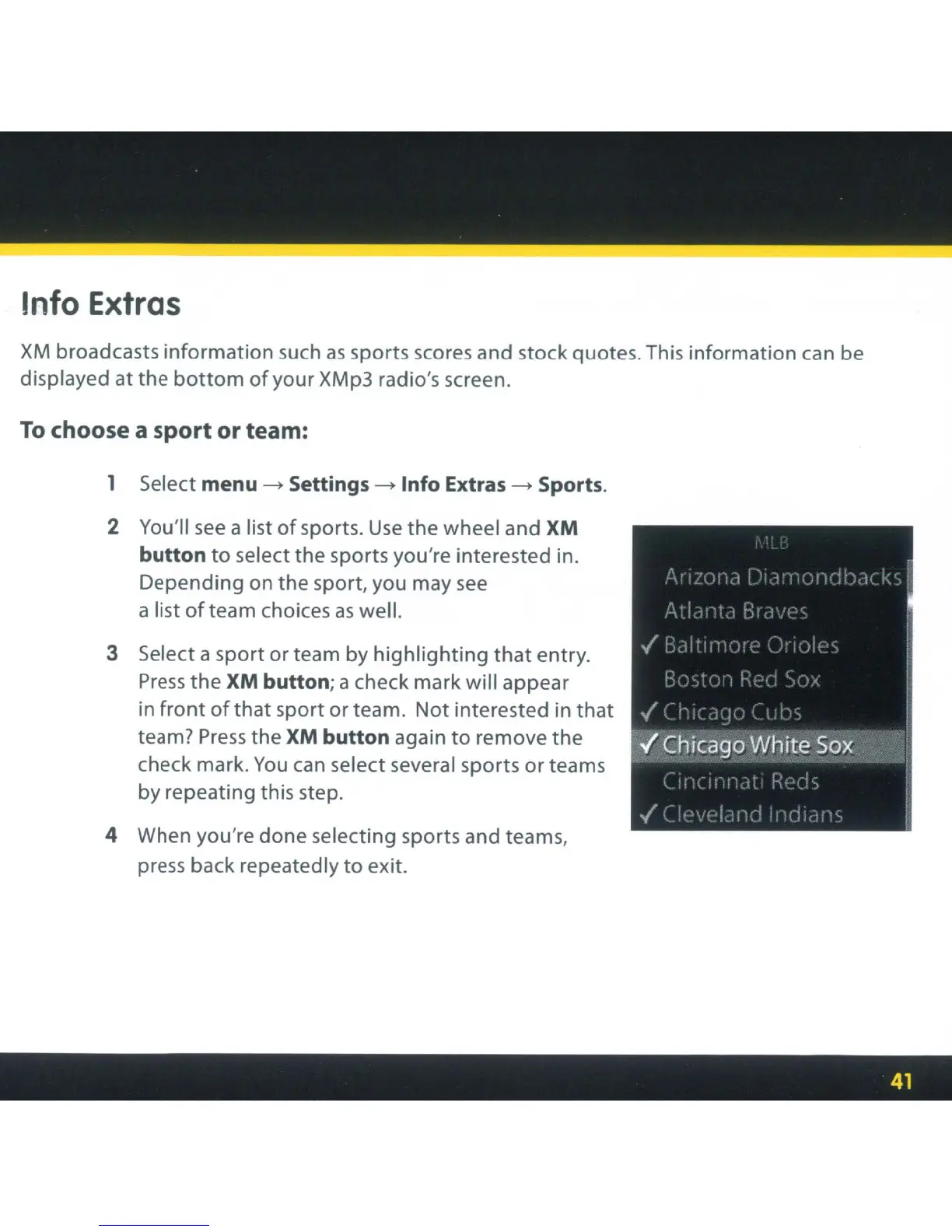
2 You'll
see
a list
of
sports.
Use
the wheel and XM
button
to
select the sports you're interested in.
Depending on the sport, you may
see
a list
ofteam
choices
as
well.
3 Select a sport or team by
highlighting
that
entry.
Press
the
XM button; a check mark will appear
in
front
of
that sport or team. Not interested in that
team?
Press
the XM button again
to
remove the
check mark.
You
can
select several sports or teams
by repeating this step.
4 When you're done selecting sports and teams,
press back repeatedly
to
exit.



 To Next Page